
Change a Room Name
Who can use this guide?
Room Owners
All Plans
Note: At the moment, there isn't a way to directly change your room name, but as a workaround, you can Delete the unwanted room and then Create a new room with the desired name! You'll find general instructions on this below, but you can find detailed instructions for any device at the following links:
Delete the Unwanted Room
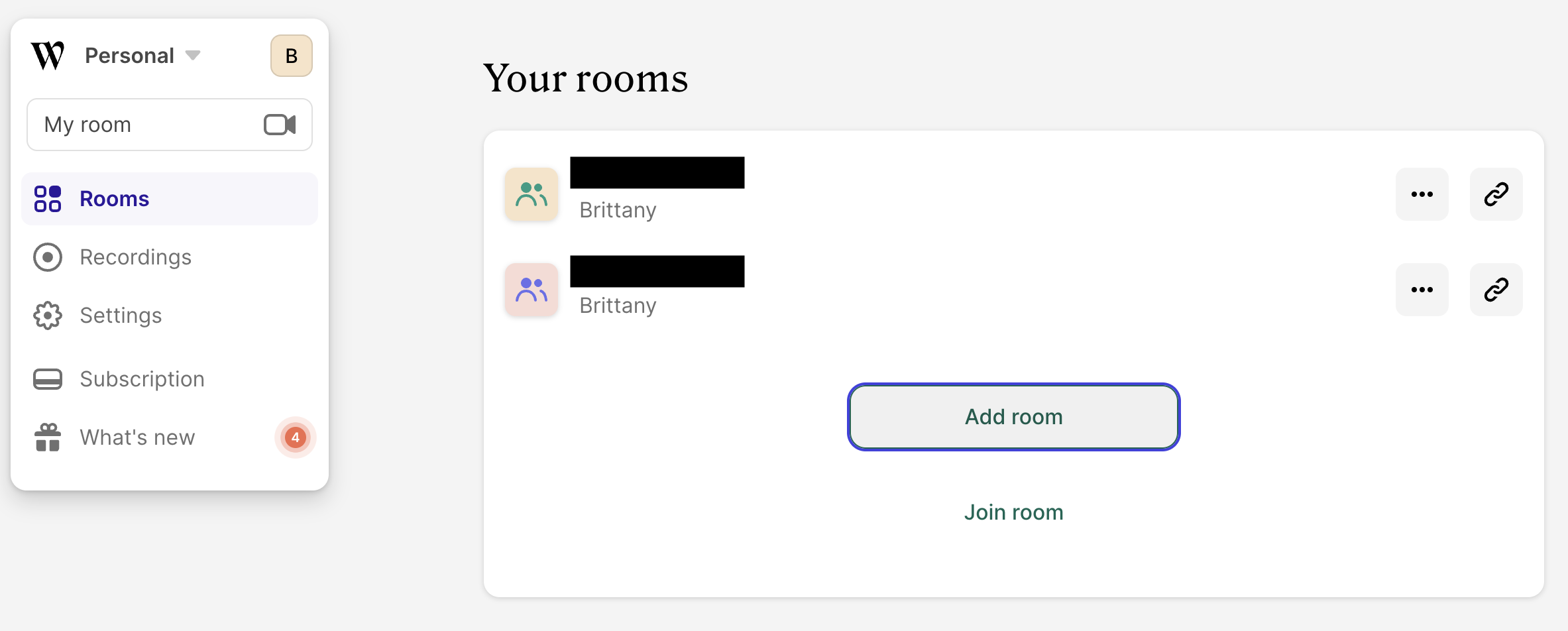
Make sure you are signed in and navigate to your rooms list located on your account dashboard. From here you can click on the three dots next to the room name then select Delete to delete it.

You'll be asked to confirm that you want to delete the room before it's completely removed. When this action is complete, all room customization will be removed as well.
Create the New Room
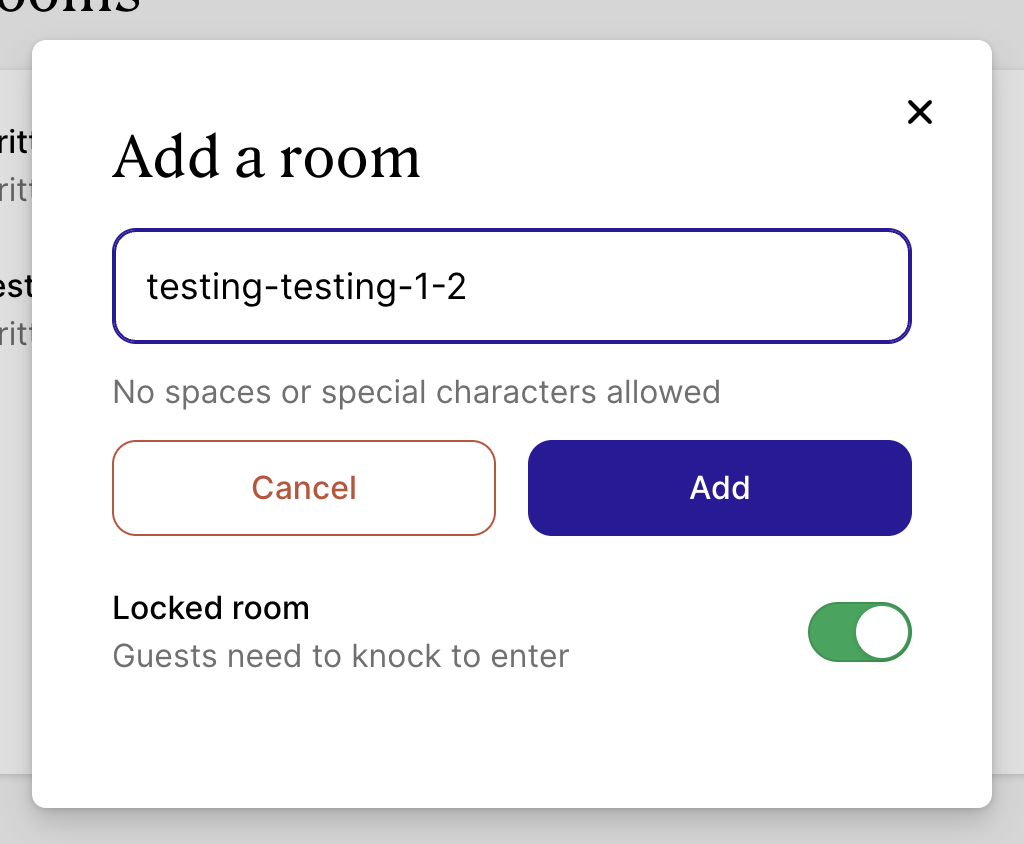
Click the Add Room button, type in the name of the desired room, then click Add.
Related Articles