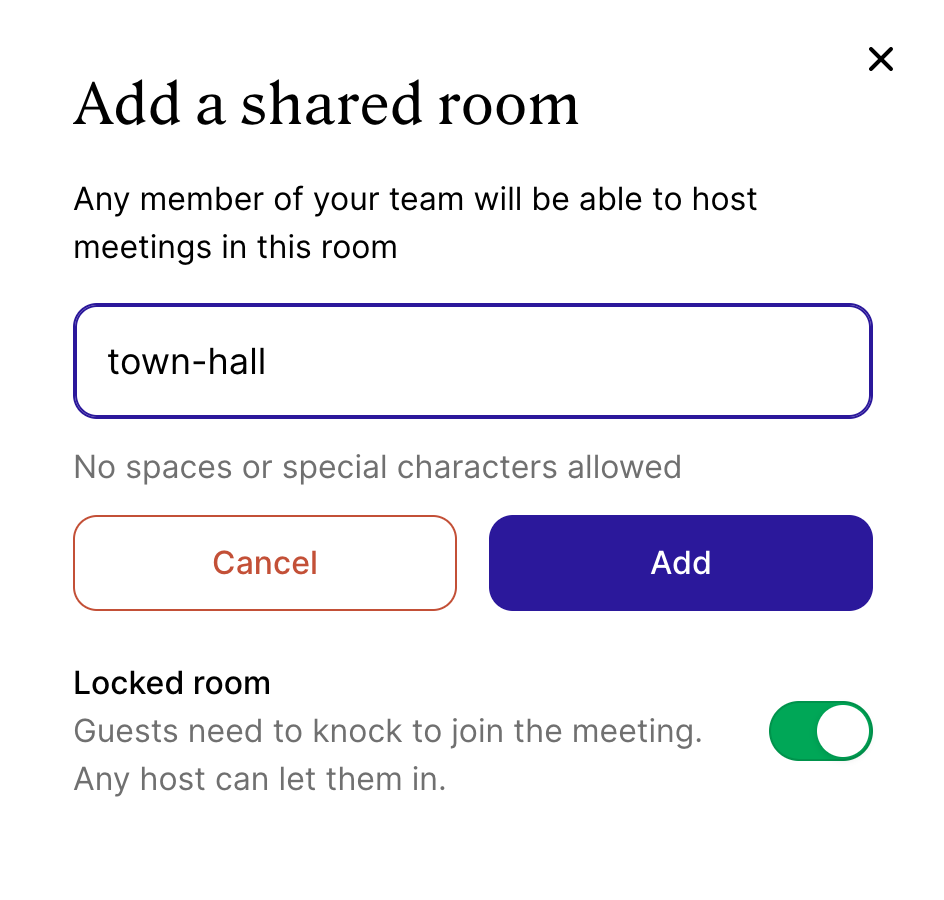
Shared Rooms
Edited
On our current Business plan you have the ability to create unlimited "Shared Rooms". These are rooms that can be managed and used to host meetings by anyone that has been added to your Whereby organization.
Note
For plans created from the fall of 2021 onwards, we've started updating security features relating to rooms. The room owner must be present to host a meeting, even if the room is unlocked. To learn more you can review our article here.
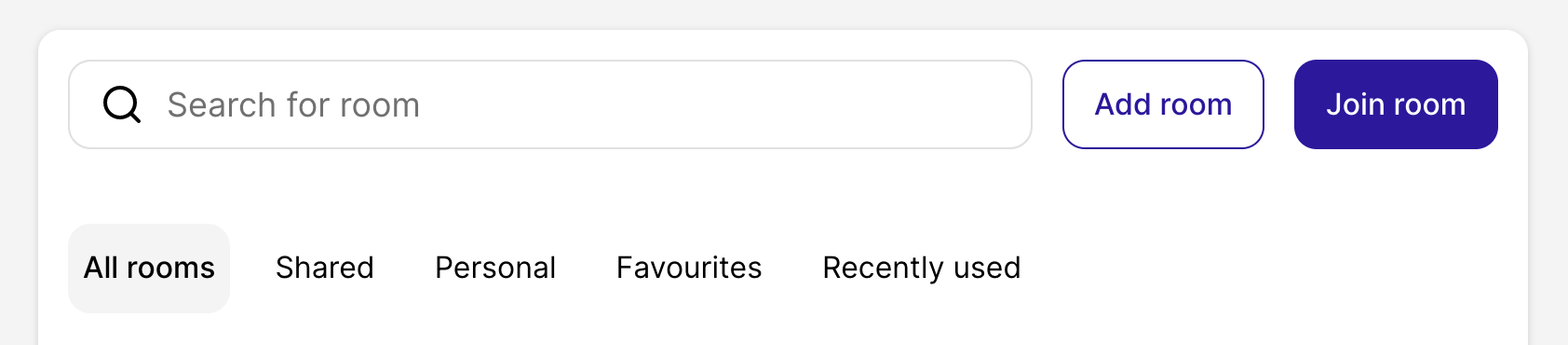
From your organization dashboard, select "Add Room".
Enter in the room name and select if you'd like it to be locked or unlocked by default. This can be changed later.