
Custom Color Themes
Edited
Who can use this guide?
Admins on a Business plan
Desktop and Laptop (currently not available on mobile devices)
You can create a custom look and feel (a theme) for your Whereby room by making changes to the default colors.
A theme can be created using HEX color codes.
Start on the Dashboard and click on Settings in the sidebar. Select Branding from the list.
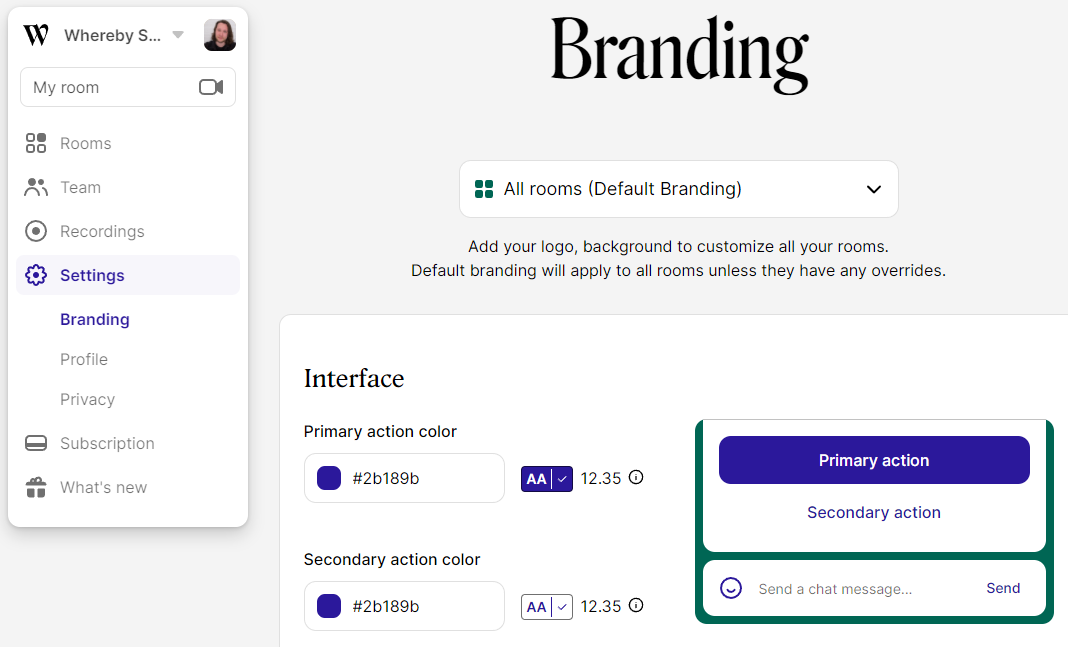
From there you can choose your primary, secondary, and focus highlight brand colors.
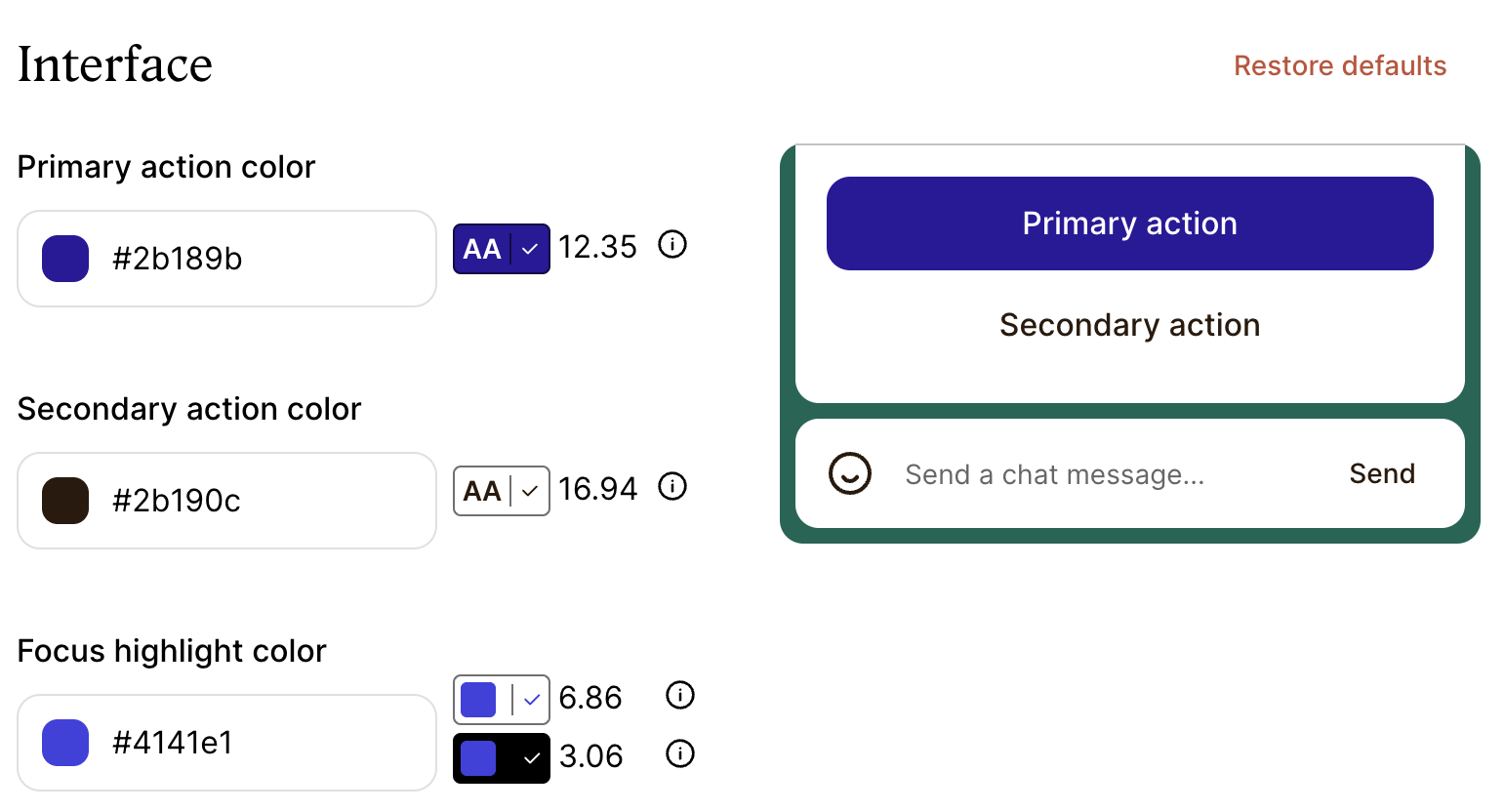
Scroll to the bottom of the page and click Save to make the necessary changes.
custom
Custom Color Themes
theme
color