
Start Breakout Groups
Edited
Note:
When participants return from Breakout Groups to the main room, their cameras are turned off and microphones are muted by default.
Hover over the 'People' button to start your Breakout Groups:
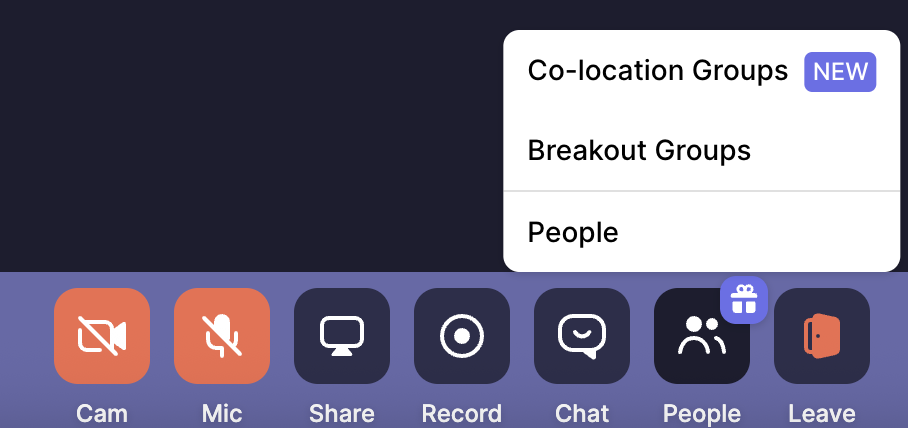
The main room can hold up to a maximum of 100 people, or 200 on our Business plan. You can split these people into a maximum of 20 groups, and you can even change the group names for a personal touch.
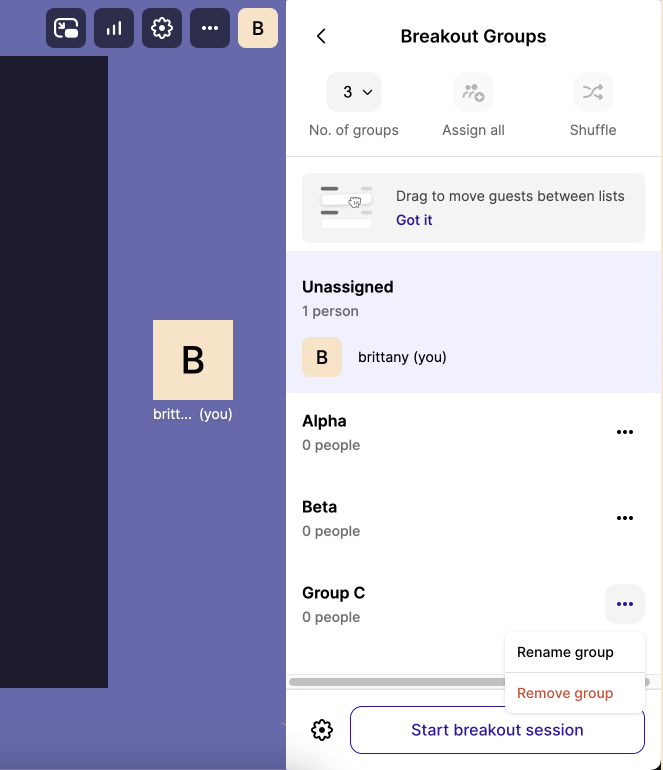
Drag and drop participants to assign groups or shuffle everyone to save time and encourage cross team collaboration.
Adjust Breakout Groups settings if needed.
When you're ready, select "Start breakout session".
Start Breakout Groups
Breakout Groups