
Change Language
Whereby is used all over the world, and we are always trying to make it more accessible, no matter what your native language is.
Note
Changing the language will only apply to text you see in the Whereby room itself. Our main website, Help Center articles, and support responses will be in English. We recommend using the Google Translate Chrome extension to translate other pages.
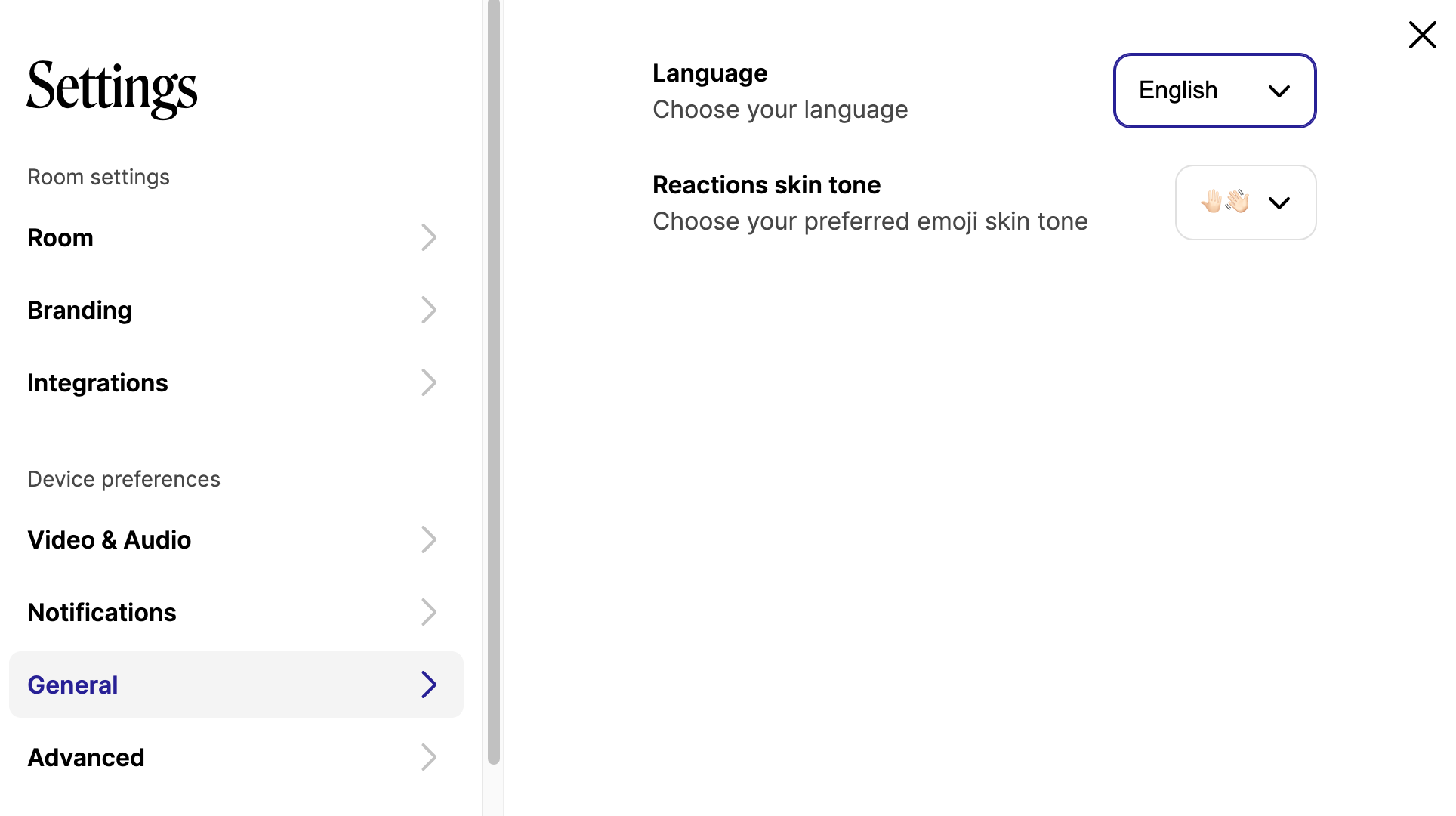
You can change languages by clicking the gear icon before or after joining a call.
Click the General section of your Meetings settings, then click the Language dropdown box to choose the language.
Currently Supported Languages
Chinese (Complex)
Czech
Danish
Dutch
English
French
German
Hindi
Hungarian
Italian
Japanese
Norwegian
Polish
Portuguese
Spanish
Swedish
Ukrainian
Don't see your language? We are hoping to add more in the future, so please keep checking!