
Noise Reduction
Note
In the iOS app, it's possible to enable Voice Isolation which reduces some background noise. Check out the steps below.
Whereby is all about working from wherever you can thrive, and sometimes this means working outdoors, in a cafe, or a co-working space. Noise reduction can help to remove background noise like motorbikes or planes, someone mowing the grass, or general background noise in your environment.
Desktop
Hover over the 'mic' button to display the quick access mic options:
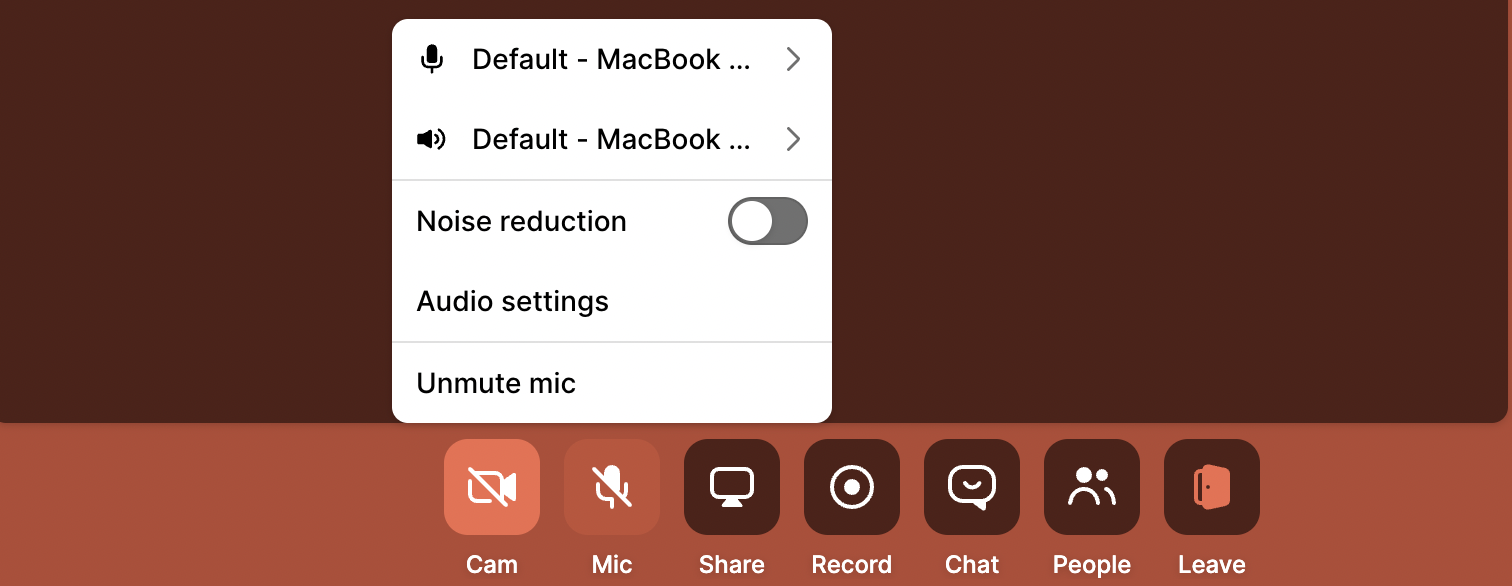
Use the toggle switch next to "Noise reduction" to enable or disable the feature
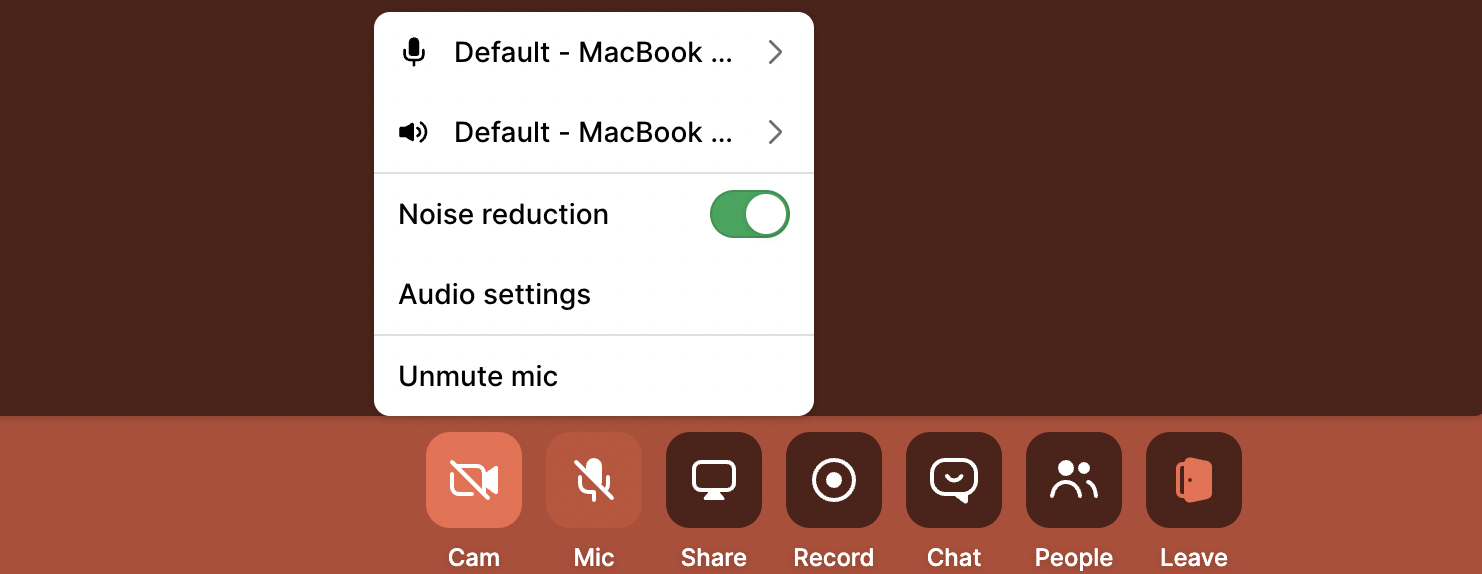
Noise reduction is now activated for your microphone.
iOS app
Before joining a call:
Tap Effects, then Mic mode
Select Voice Isolation
When you're in the Whereby meeting room:
Tap the gear icon in the top right corner of your screen
Tap Devices, then Microphone mode
Select Voice isolation