
Why am I getting an Unsupported Browser error?
Which browsers do you support?
We have a complete list of which browsers and devices we offer support for in our Supported Devices article, so if you aren't sure, you can double check that you're using a supported browser there!
I'm using a supported browser, but still getting an error
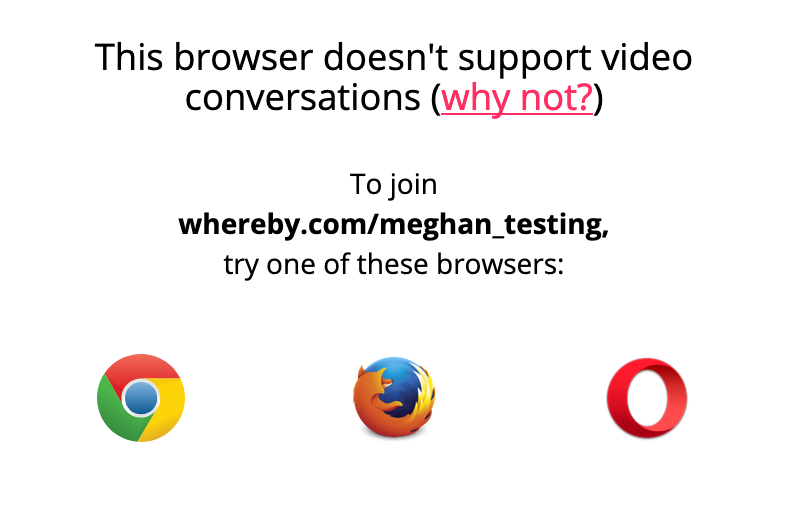
One possible reason you'd get an unsupported browser message in a supported browser is because JavaScript is disabled. Instructions for checking on this will vary depending on which browser you're using, so see instructions for each below:
Google Chrome and other Chromium Browsers
On your computer, open Chrome.
At the top right, click More > Settings.
At the bottom, click Advanced.
Under "Privacy and security," click Content settings.
Click JavaScript.
Turn on Allowed (recommended).
Safari
Select Safari from the Apple/System bar at the top of the screen.
From the drop-down menu, select Preferences.
Select the Security icon/tab at the top of the window.
Check the Enable JavaScript checkbox under the Web content category.
Close the dialog box to save your changes.
Finally, refresh your browser.
Firefox
Open a new Firefox browser window or tab.
Copy the following then paste it into the Firefox address bar: about:config
Hit the Enter key.
On the following page, click the button: "I'll be careful, I promise!"
Find the javascript.enabled row under the Preference Name heading.
Double-click anywhere within the javascript.enabled row to toggle the value from "False" to "True".
Finally, refresh your browser.
If the instructions above don't work, it's possible that there's a setting in your configuration file that's causing this. See the instructions below to check on your configuration settings:
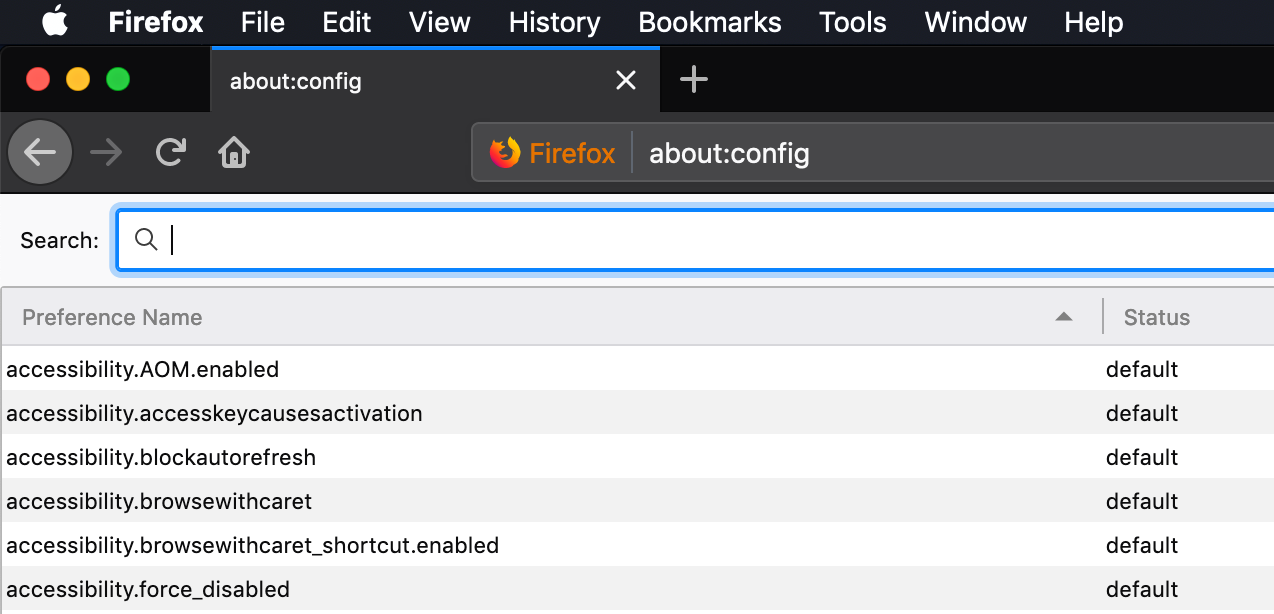
Open Firefox window and type " about:config" in your URL bar:
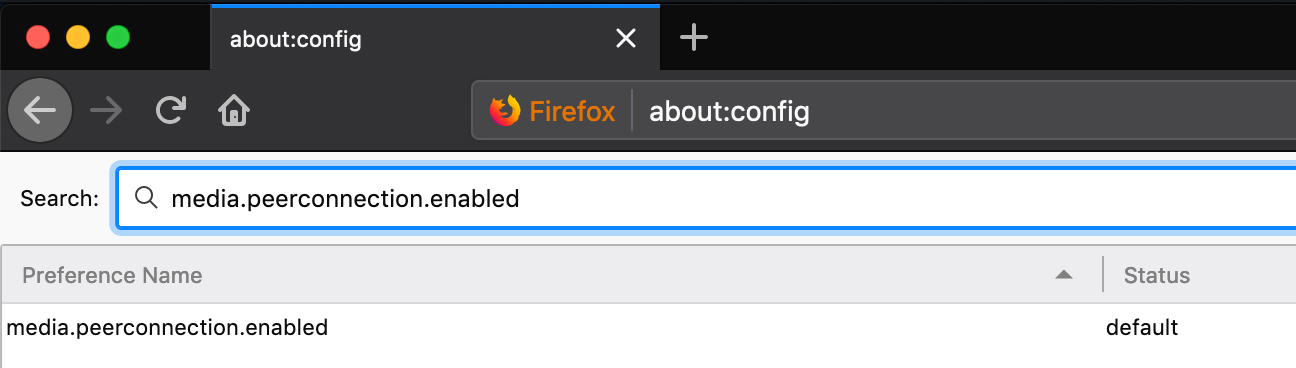
Search for the flag " media.peerconnection.enabled":
Set the flag to True by right clicking on selecting the Toggle option:
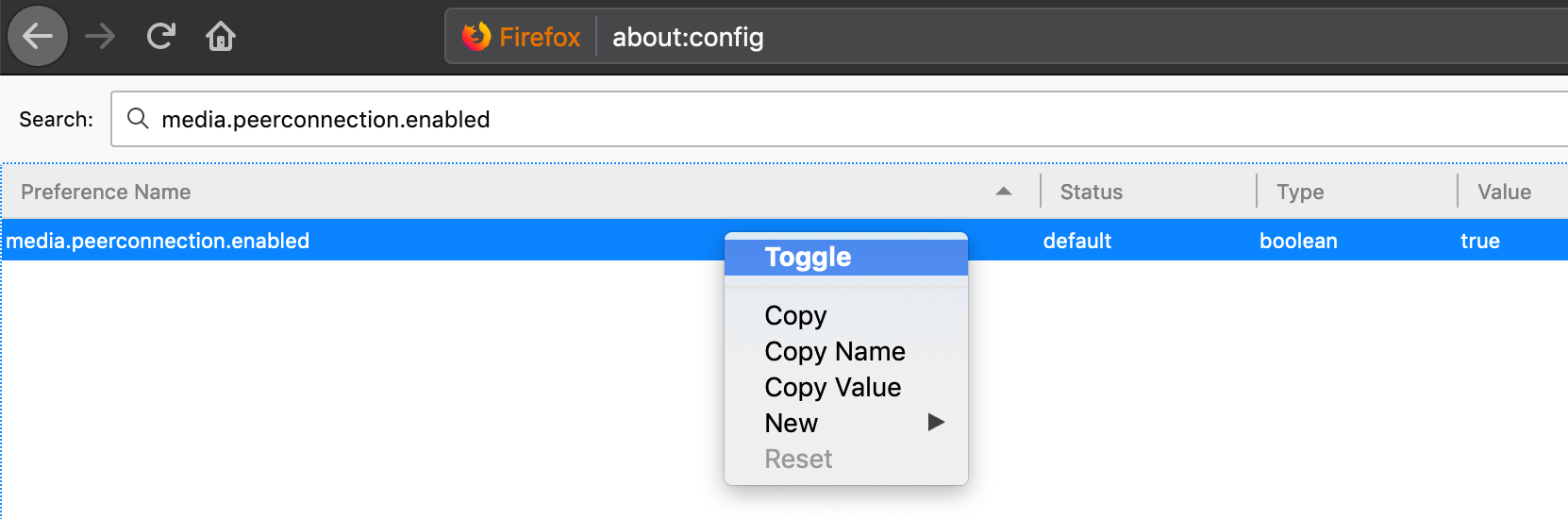
Quit and re-open your browser. After doing this you should be able to view the Whereby homepage normally.