
Communicating with Participants in Breakout Groups
Edited
When leading group sessions, it can be helpful to communicate with everyone at once to remind them of topics, encourage discussion, or bring them back to the main room. You can broadcast to all groups via chat or by getting on stage. Messages sent within a breakout group will only be seen by the people in that group.
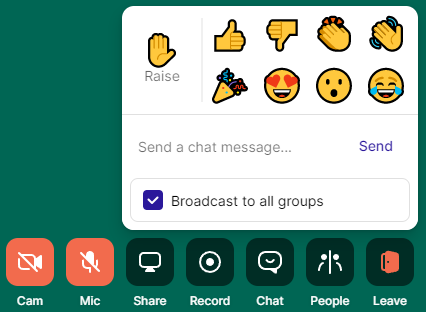
Check the "Broadcast to all groups" box in the chat to send everyone a written message.
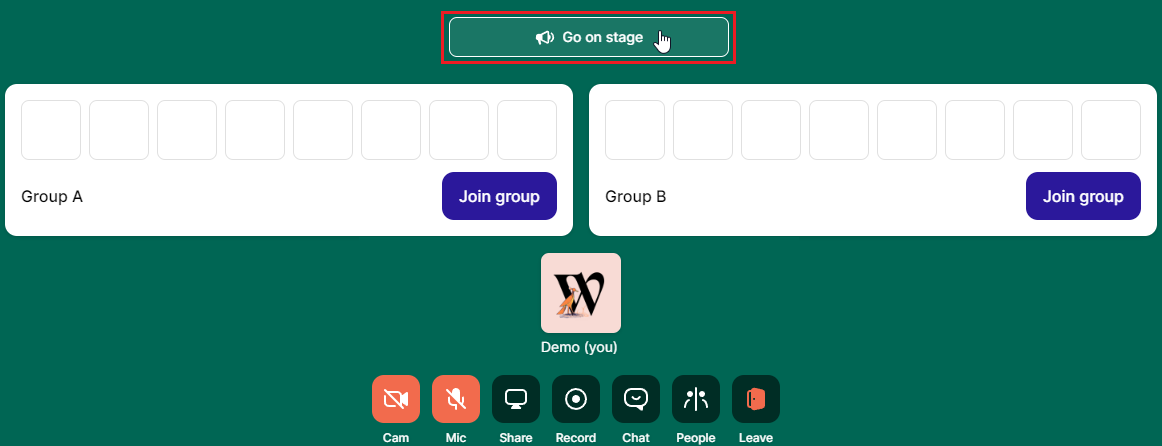
Select "Go on stage" to communicate with everyone via audio.
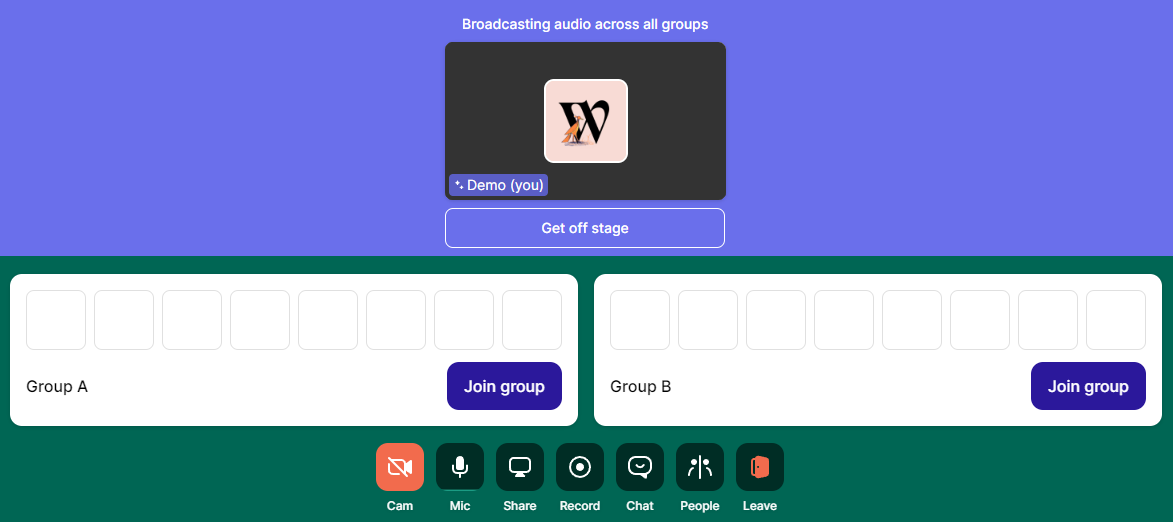
Once you're "on stage", all the groups will be able to hear you, but you won't hear them unless they leave their groups to talk to you. You can get "off stage" to stop broadcasting to all groups.
Communicating with Participants in Breakout Groups
Communicating in Breakout Groups
Breakout Groups