Operating System Level Settings
Your operating system usually has default settings for your devices, so it's the first place to ensure that the device you want to use is selected. Use the tabs below to select your operating system for instructions:
Settings in macOS
Camera Settings
If you use macOS, there are no system level controls for your camera. Instead, macOS will default to the settings on the application level.
Mic Settings
There are system level controls for your mic, though. You can access this by doing the following:
Click on the Apple in the top left corner of the screen and select System Settings.
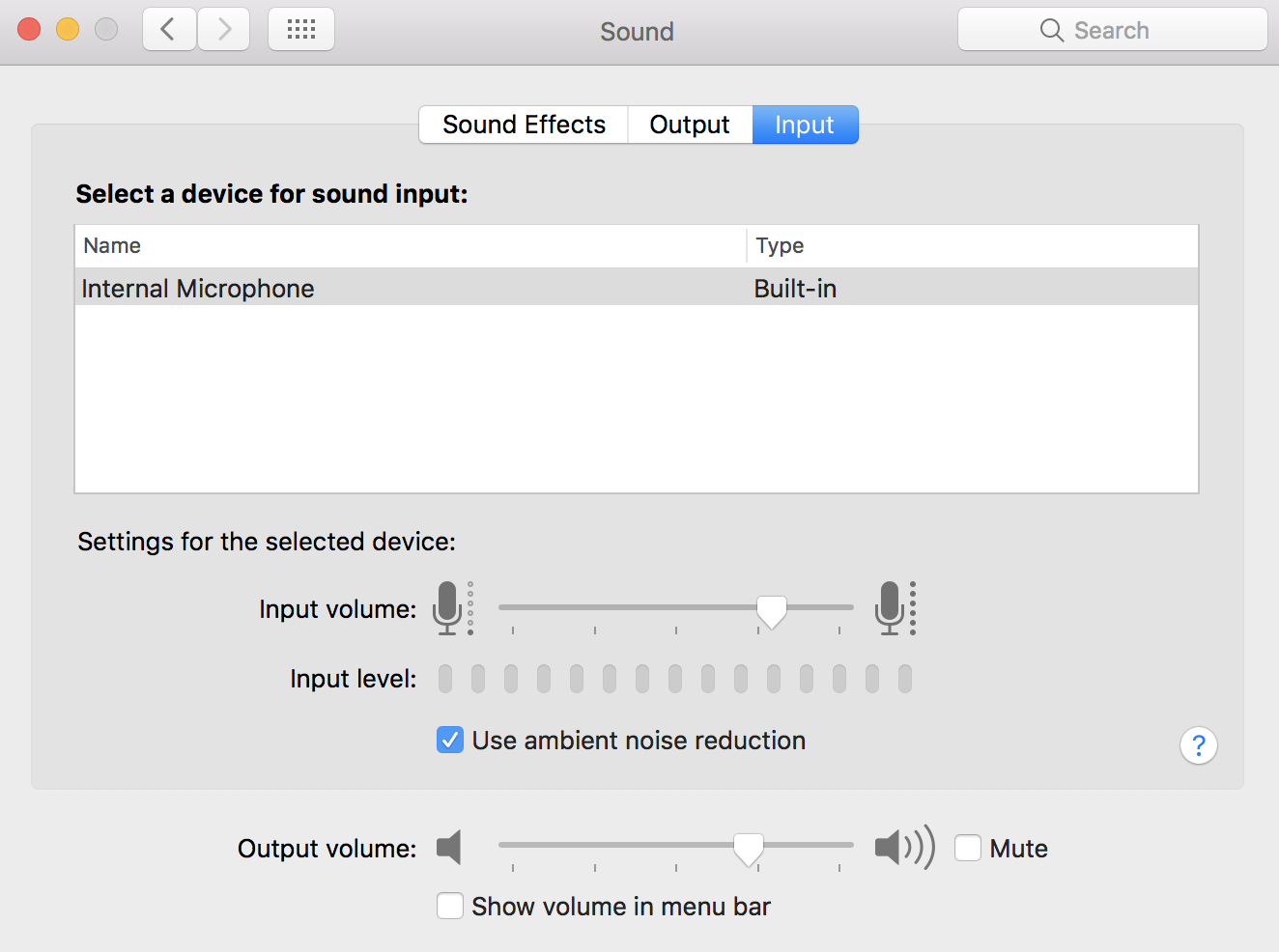
From here, click on Sound and then select the Input tab. This area will list all input devices that are available, and you can set the default as necessary.
Note: If you have the "Apple continuity feature" enabled, when your phone is near a Mac that's connected to any sort of video platform, the Mac auto-detects the iPhone and attempts to change the camera/microphone to it. This will include your browser-connected devices and Whereby.
You can turn this feature on or off by going to your iPhone's Settings, General, pressing Airplay and Handoff, and then turning off the Continuity Camera feature.
We recommend to take a look at the Official Apple page for this feature:
Continuity Camera: Use iPhone as a webcam for Mac
Settings in Windows
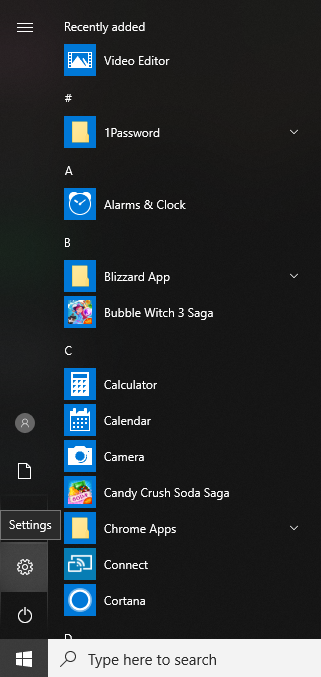
For both mic and cam settings, the first thing to do is open up your system settings by clicking on the Start menu and selecting the Settings gear. From there, follow the instructions in each section below:
Camera Settings
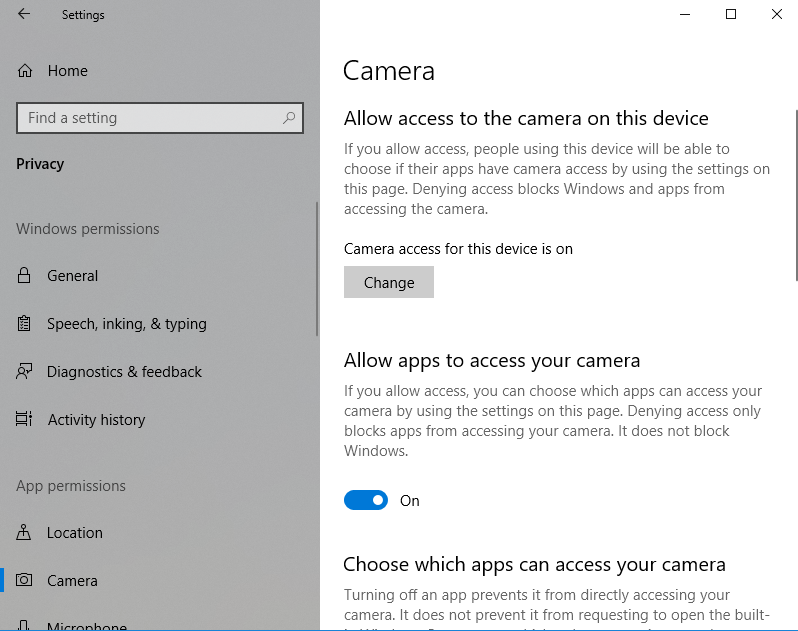
Camera settings can be accessed by typing "Cam" into the search bar. These settings are under your general Privacy settings, but search is the easiest way to access them. From here, be sure that your browser has permission to access your camera.
Mic Settings
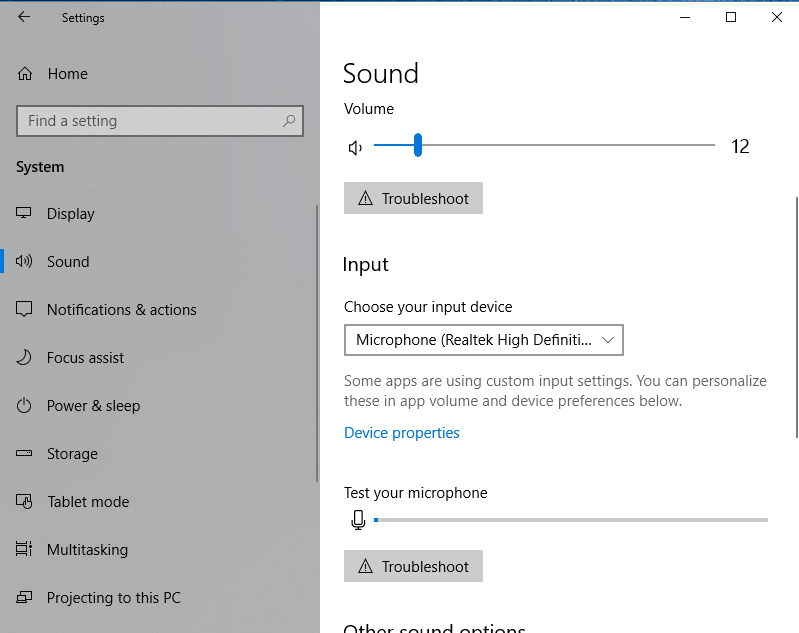
You can adjust the mic settings by typing "Mic" into the search bar and going to the Sound settings. Scroll down to Input and use the dropdown to select the proper input device. If it's a Bluetooth microphone, select Add device.