
Supported Cameras
Because Whereby is browser-based, it can use any camera that can be accessed as a 'device' on your computer. This usually means a device that's either built-in to your computer, or one that can be plugged directly into it.
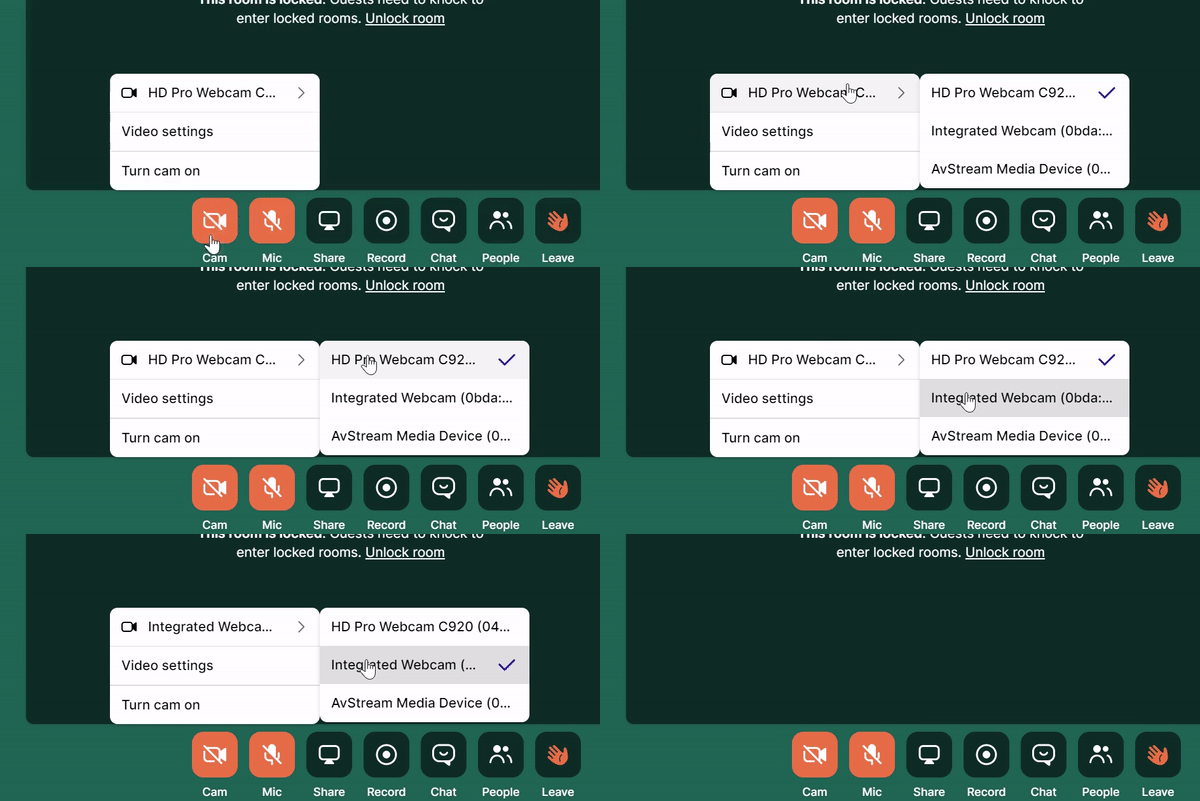
We support both 4:3 and widescreen cameras, and the paid plans can support up to 720p at 30fps video if your camera has support for it.
The camera and microphone are essential parts of using Whereby to the fullest, so it's important to understand the controls that are available to you as a user, as well as how to set them up on your device.
Below are details on what settings you can change in the Whereby room. Also included are steps that show you how to adjust camera settings on a browser and OS level, as settings here can sometimes counteract the settings at the application level. This is inherently due to the browser-based nature of Whereby.