Reactivate Your Plan
Who can use this guide?
Account Owners
Pro plan
Note: It currently isn't possible to reactivate a Business subscription after you cancel it while the subscription is still running. It you want to reactivate it, please contact our support team by using the Help icon in your account.
If you cancel your subscription and later decide that you'd like to reactivate it, we make it fast and easy to do so. At the moment, the option to reactivate is only available while your Pro features are still active, but you can always go through the normal subscription process if you've reverted back to a Free account. See below for instructions:
Log in to your account, and go to https://whereby.com/user/subscriptions, or "Subscription" in the left-hand sidebar.
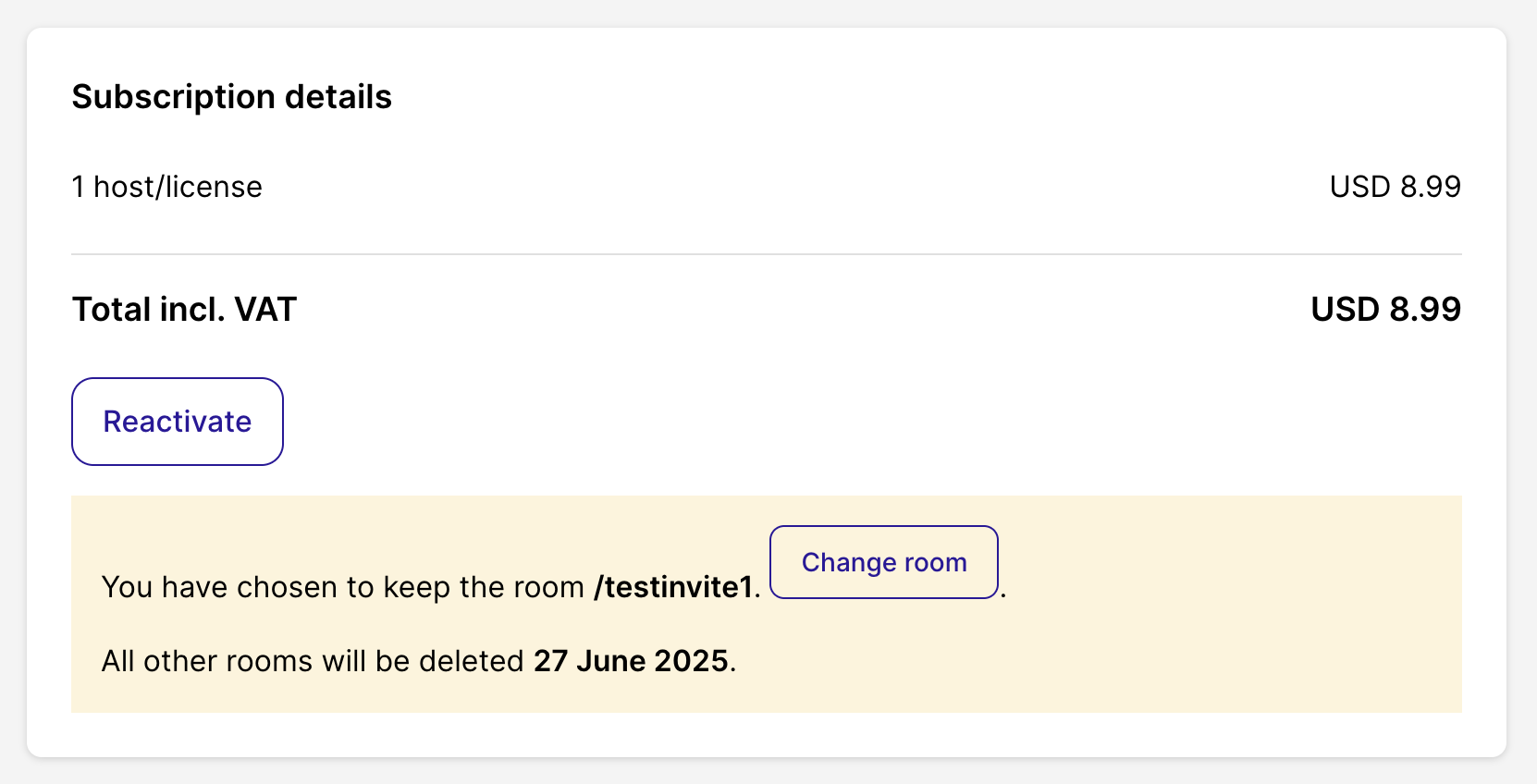
Under the Subscription details section, click the Reactivate button.
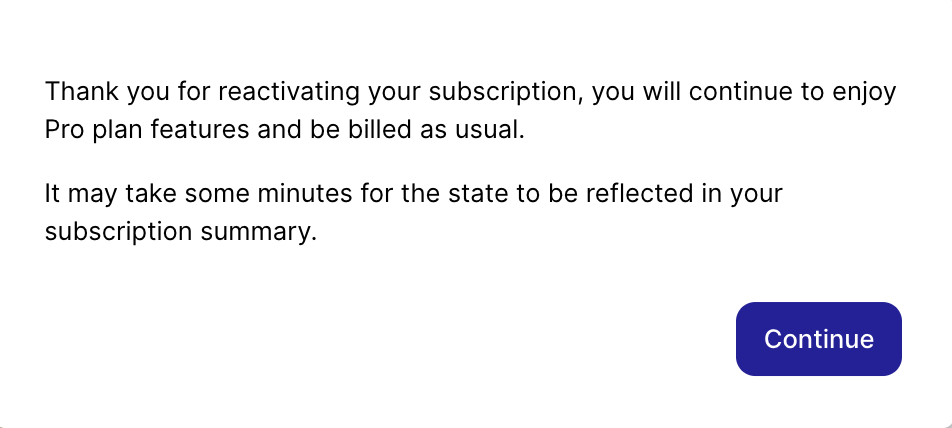
After clicking this your order will automatically process, and you'll get a notification that it was successful.