
Cancel Your Paid Plan
Who can use this guide?
Account Owners
Pro and Business Accounts
You can cancel a Whereby subscription at any time without penalty. Note that our paid plans are pre-paid for the full period of service. When you cancel your account, you'll continue to have the paid features for the remainder of the period you've paid for. The process is the same for both the Annual and Monthly options. See below for details:
Desktop
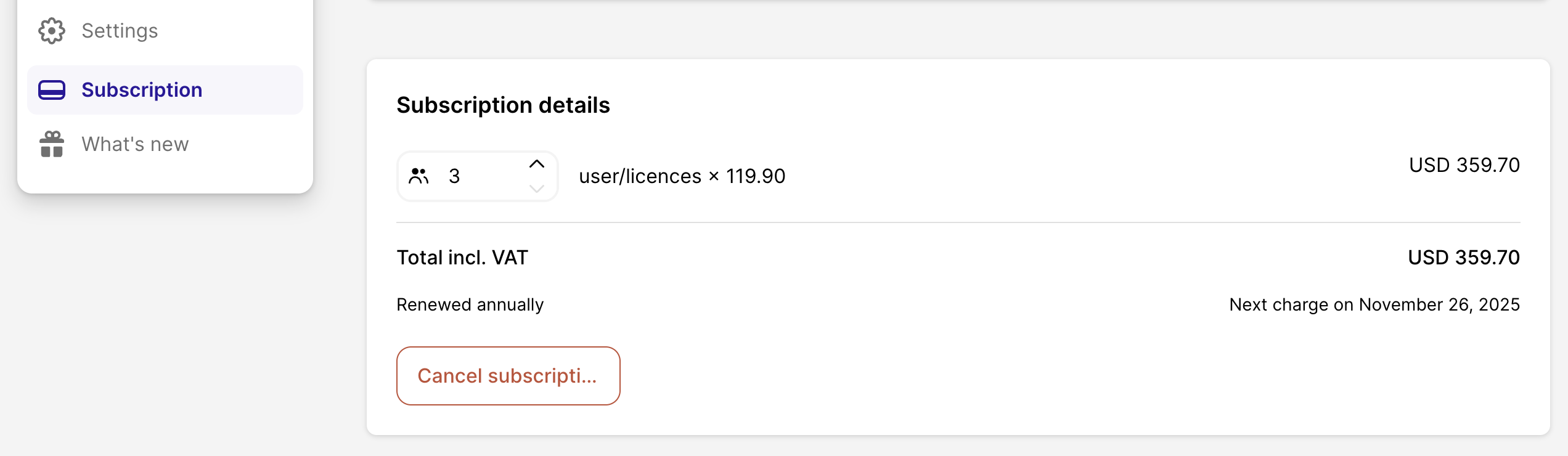
Log in to your account and go to Subscription in the sidebar.
Click the Cancel subscription button at the bottom of your subscription details.
This brings up a menu that reviews the changes to your account.
After confirming everything, you'll see the subscription listed as canceled with a date on when the changes will take effect.
iOS
Currently, canceling a paid plan is not possible from the iOS app. Please open Whereby in a Safari browser, and open the menu in the top right corner while logged in.
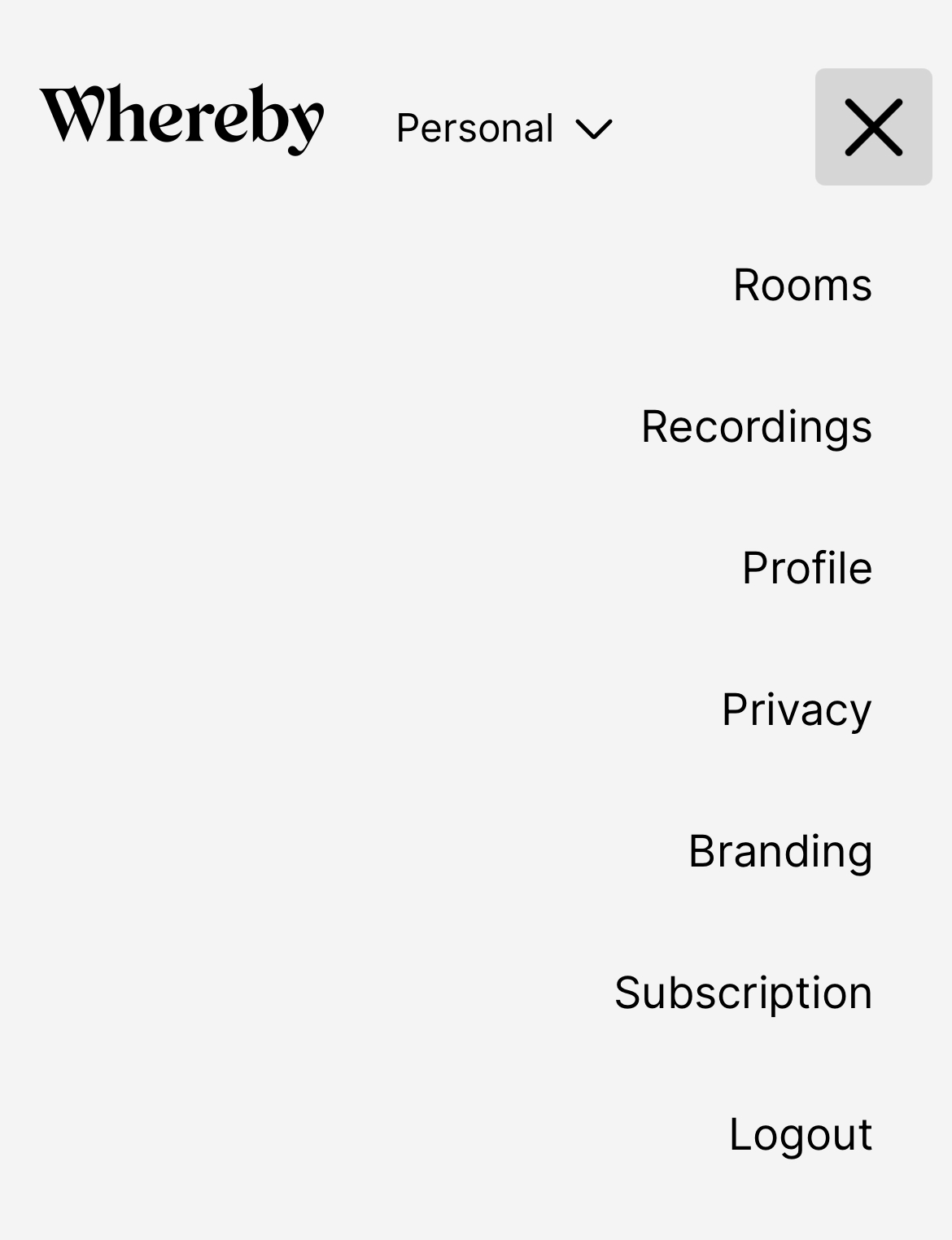
Click on Subscription.
Click the Cancel subscription button at the bottom of the Subscription details section.
This brings up a menu that reviews the changes to your account.
After confirming everything, you'll see the subscription listed as canceled with a date on when the changes will take effect.
Android
Click on the top right menu while logged in to your account in the Chrome browser.
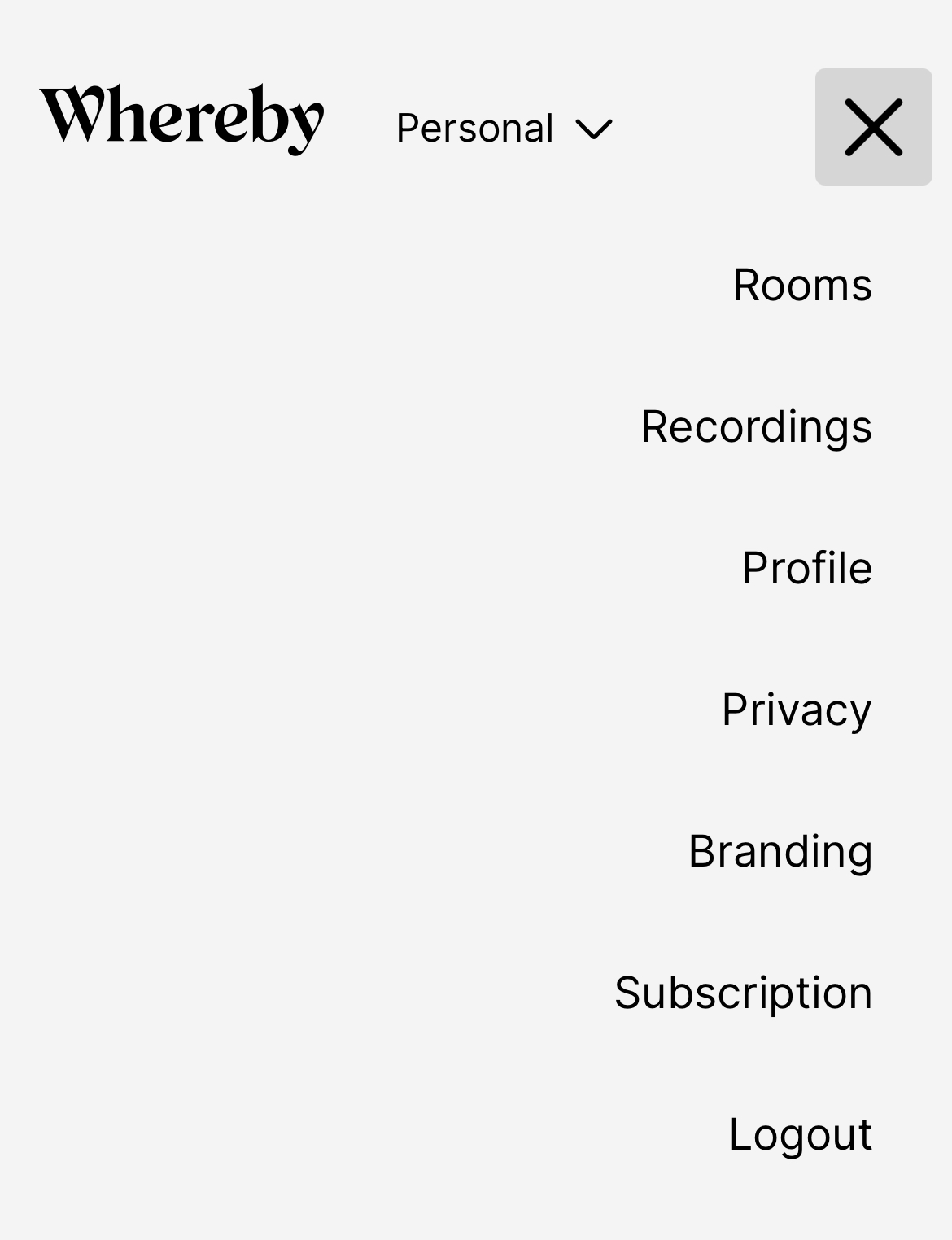
Click on Subscription.
Click the Cancel subscription button at the bottom of the Subscription details section.
This brings up a menu that reviews the changes to your account.
After confirming everything, you'll see the subscription listed as canceled with a date on when the changes will take effect.
Note:
If you are an Annual subscriber, and you change to a monthly plan, you won't be charged on a monthly basis until your Next Billing Date. Because you have prepaid for the year, your annual subscription will need to run out first before it updates to a monthly subscription.
Similarly, if you cancel an Annual plan, you will still have access to paid features through the pre-paid period from when you subscribed. As your features will remain active, no automatic refunds will be issued when cancellation is submitted.
Quick Answers
What happens when I cancel my paid plan?
All of our paid plans are pre-paid for the period you select. So if you have a monthly plan and cancel it in the middle of the month, you'll still have paid features through the full period that you paid for. Then, instead of renewing at your renewal date, you'll be downgraded to the Free plan.
Do you offer refunds when canceling a subscription?
Our team works hard to make sure you have a service that fits you well. However, in instances where you have a change of mind or your account has automatically renewed, our policy is that we do not issue refunds. If you believe you have an extenuating circumstance, then we may review your request on a case by case basis. You must submit your request within 30 days of renewal in order to be eligible for a refund in this case; all invoices older than 30 days are ineligible for refund consideration.
I have a legacy plan and want to cancel my add-on, how do I do that?
Currently, it is only possible to remove an add-on 7 days before the end of your billing cycle. If you wish to remove an add-on outside this period, please drop an email to support@whereby.com, and we will take care of it for you!