Delete Your Account
Edited
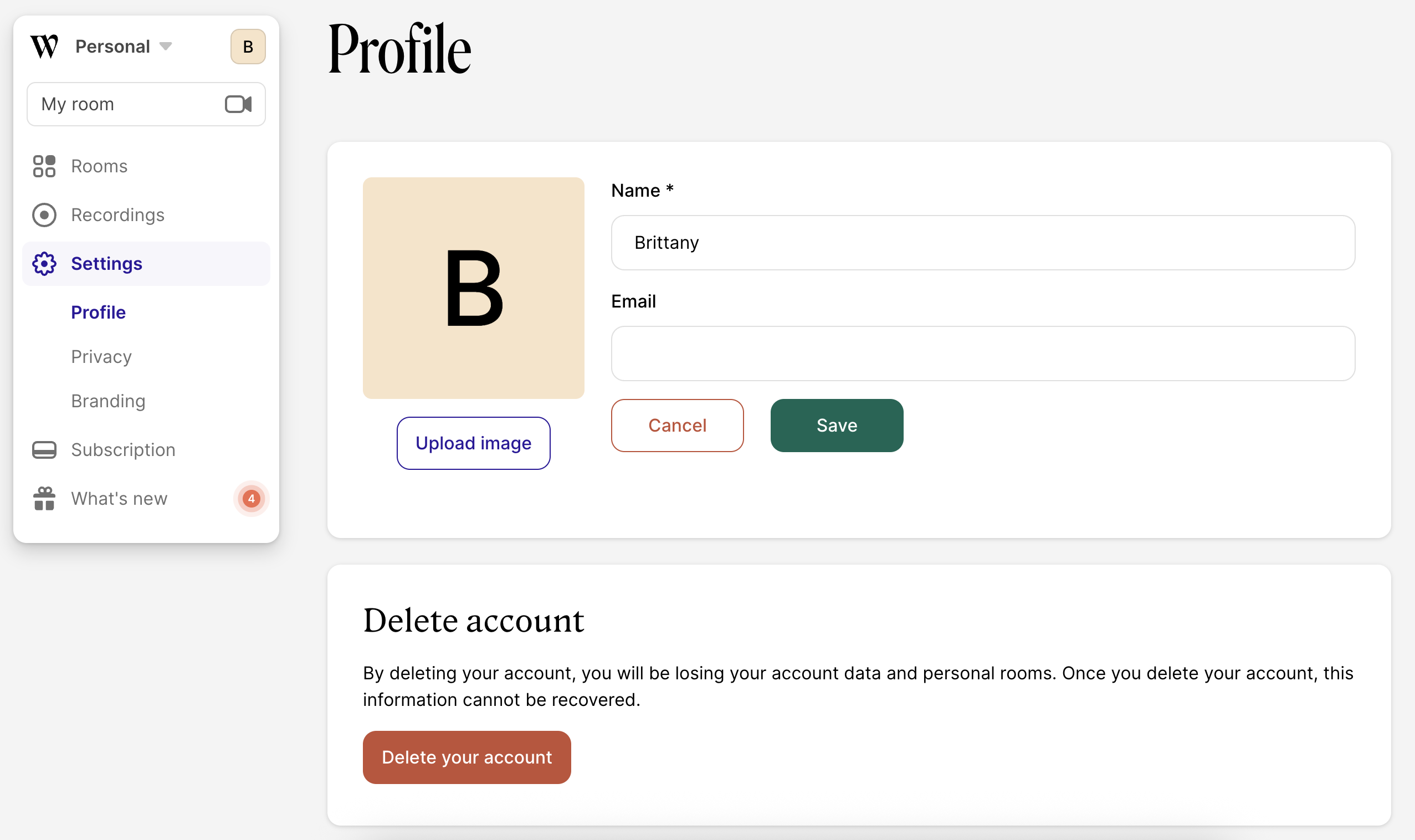
If you'd like to close out your account and delete all of your user data, we've built in a way to do this from the Profile Page. Note that at the moment, there isn't a way to delete your account/data from within the iOS app, so this will need to be done on your computer.
Start by logging in to your account and going to http://whereby.com/
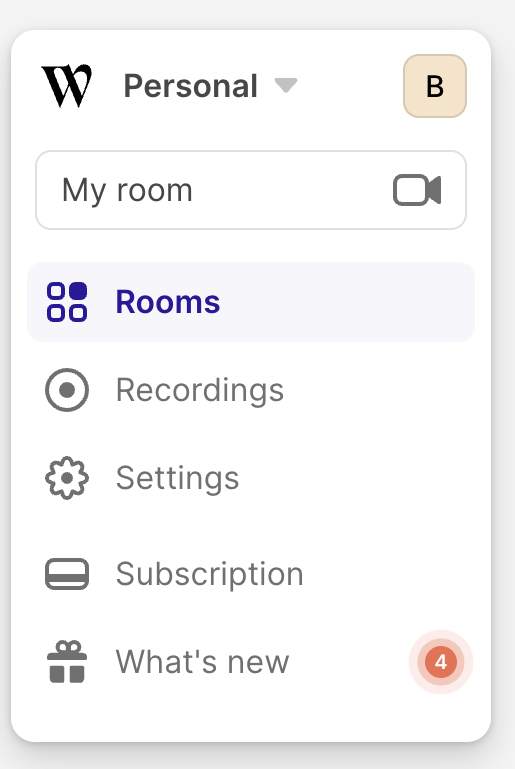
From here, click on "Settings" on the left-hand sidebar.
Within the Profile section of the Settings page, click the "Show more settings" button, and then click on the "Delete your account" button. Follow the prompts to confirm the deletion. This will delete all user and account data, and will remove you from any Whereby mailing lists.