
Manage Email Consents
Edited
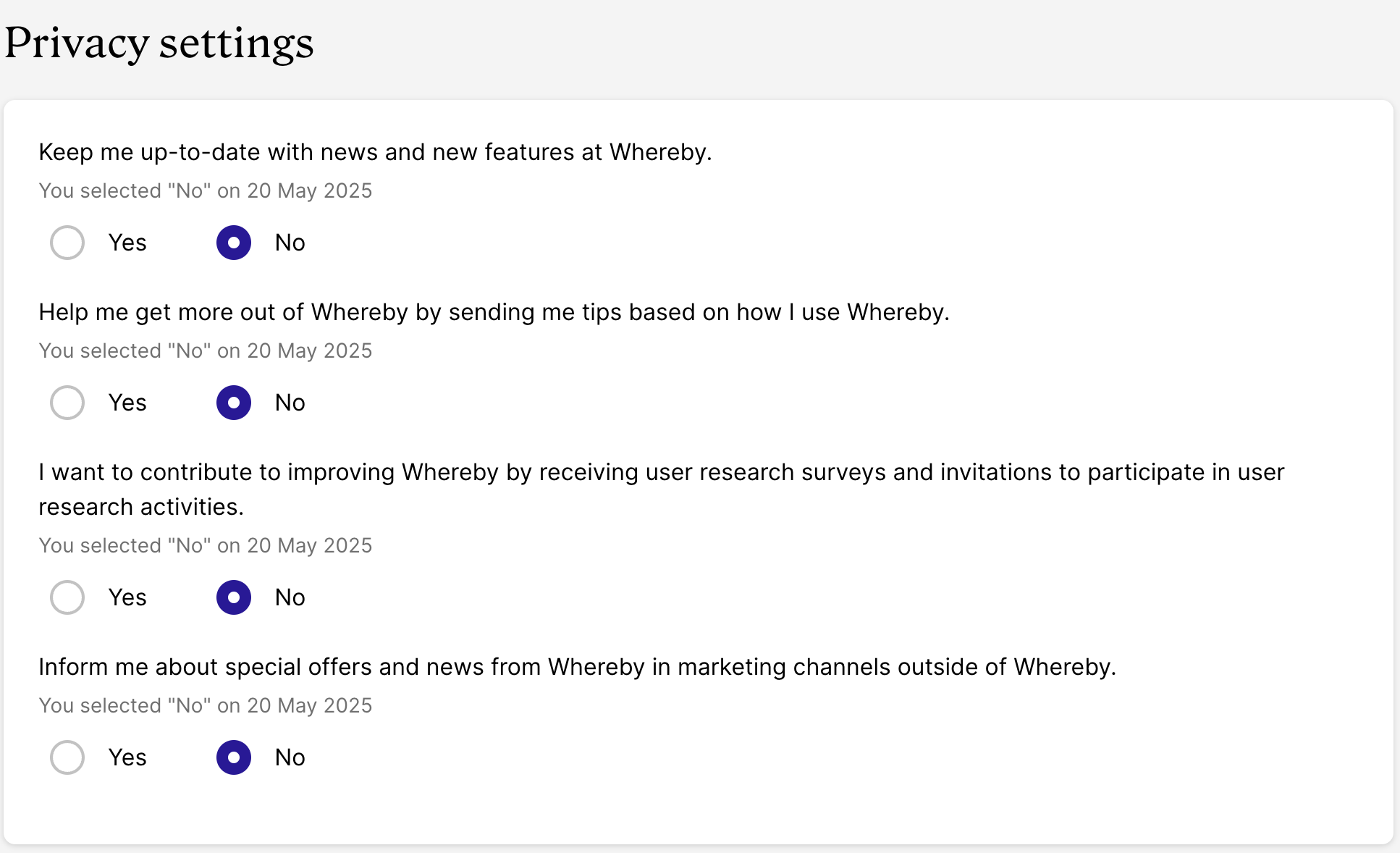
Per GDPR guidelines, we have built in a way for you to manage your consents, or privacy settings, for the various types of emails we send our users. You can manage these privacy settings from your Profile page!
Desktop
Start at your profile page.
From here, click on Settings in the left-hand sidebar, then Privacy.
Scroll down until you reach the Privacy Settings section:
iOS
Please start by visiting your profile page from a Safari browser. (Currently, these settings are not available to adjust in the iOS app.)
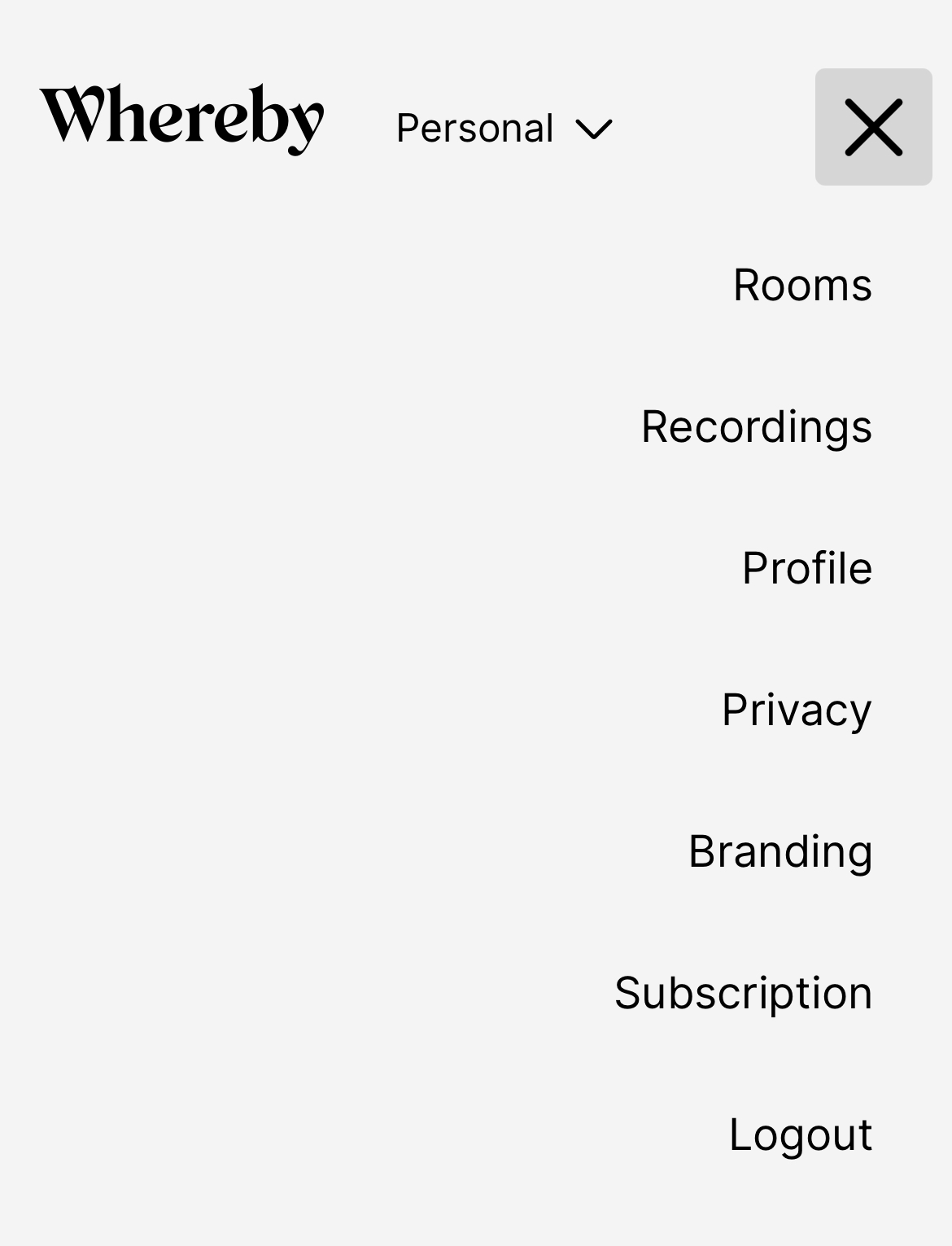
Click on Privacy in the menu:
Scroll down until you reach the Privacy Settings section.
Android
Please start by visiting your profile page.
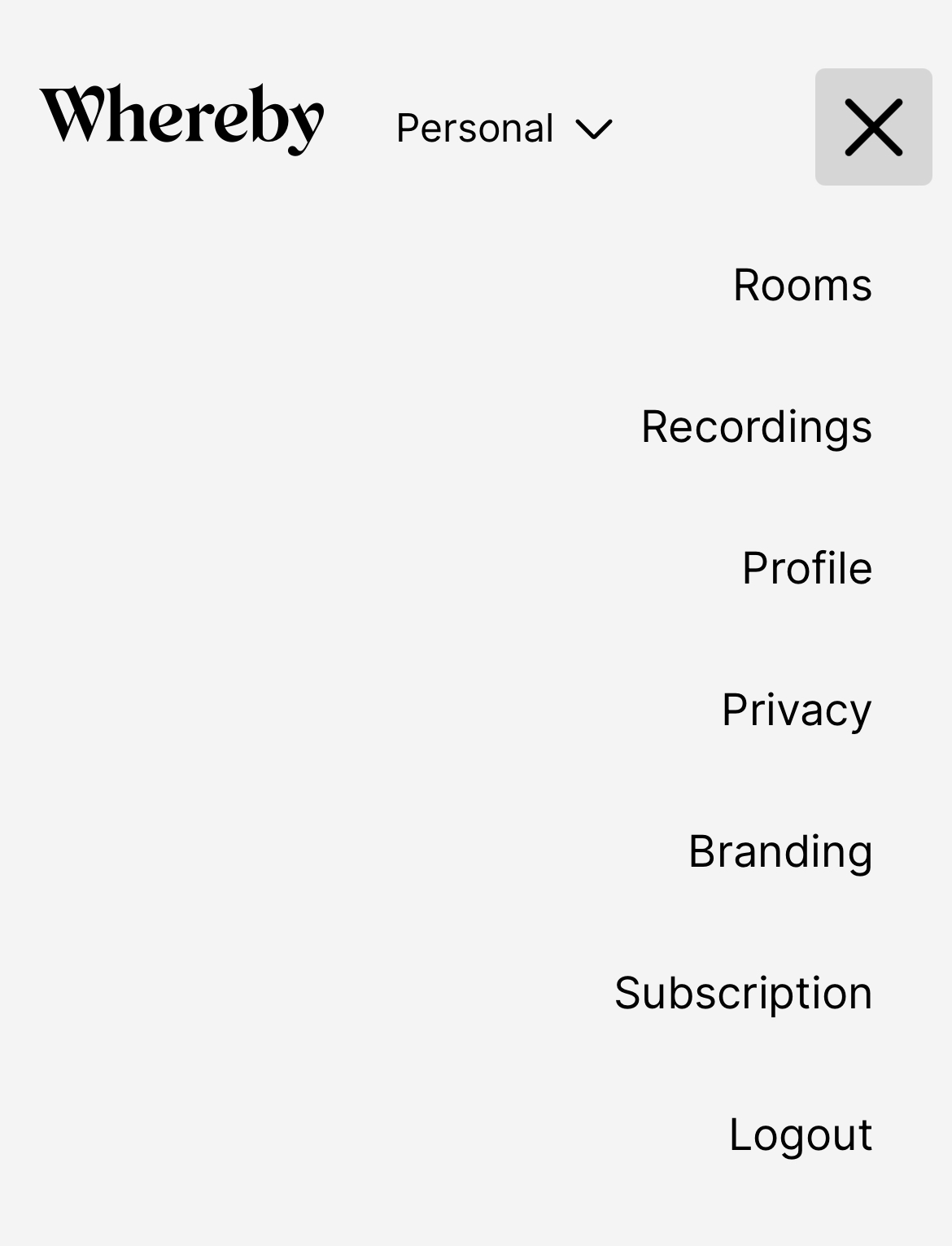
Click on Privacy in the menu:
Scroll down until you reach the Privacy Settings section.