
Upgrade to a Paid Plan
Looking to upgrade from the free version of Whereby to a paid plan? That's great news! You'll be one step closer to the following features:
Unlimited meetings
Unlimited recording
Company branding
Priority support
Breakout Groups
Custom subdomains for Business accounts
Need more information? Check out our Support Guide about our paid plans.
How to upgrade
Pro
Login to your Free account here: https://whereby.com/user
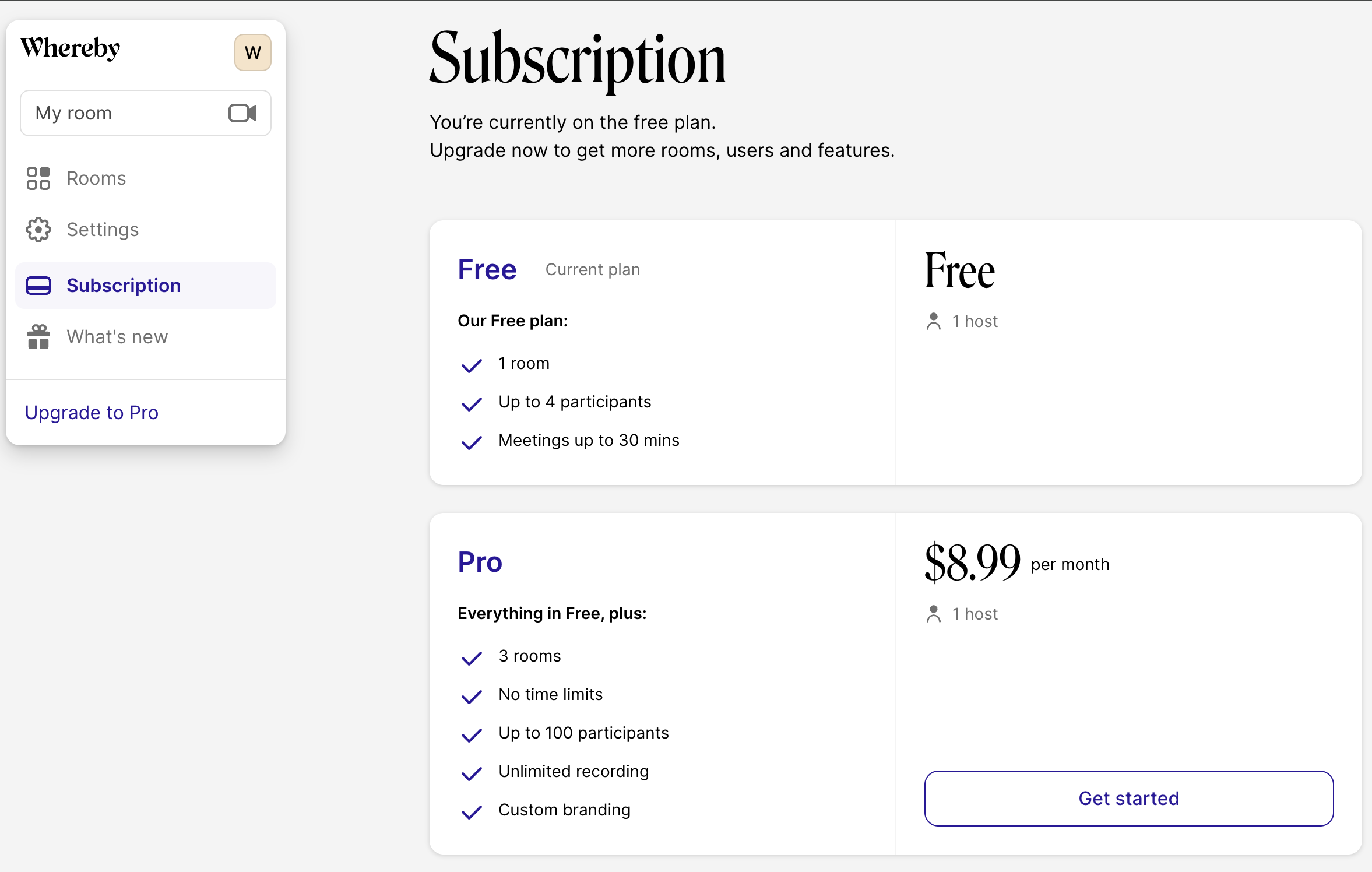
After you are logged in, navigate to the Subscription section from your Dashboard.
Select the Pro plan and follow the checkout process.
Business
Login to your Free account here: https://whereby.com/user
After you are logged in, navigate to the Subscription section from your Dashboard.
Select the Business plan and follow the checkout process, or click on this link to start your trial: https://whereby.com/org/request-trial
Type in your desired Company Name, Unique Subdomain and click "Continue" when you are finished.
Select the number of colleagues you would like to share the account with and select a monthly or annually billing cycle.
Proceed by clicking "Continue" and follow the checkout process. Your trial has started! Follow the next steps to set up and customize your room.