Sign up or Log in
Who can use this feature?
New Users and Already Existing Users
Introduction
Anyone can sign up to Whereby for free and get a meeting room that hosts up to 100 people. Available across browsers and on mobile, every account includes features like screen sharing, text chat, emoji reactions and integrations (Miro, Trello, Google Drive, YouTube).
Whether you're a new user looking to get set up with an account, or a long-time user of Whereby, you can Sign up or Log in to your account from our homepage.
From there, click on either the Log in or Get Started link, depending on what you need to do. Currently, we offer two methods for logging in, and you can find details for your device type below.
Desktop
One-Time Code/Magic Link
Instead of offering a traditional username + password login, we use a secure, one-time login code when you need to get access to your account. This is more secure because it means that to access your Whereby account, you also have to have access to your email. It also means one less username and password to remember!
All users are able to use this option as long as they have a valid email address. Simply go to https://whereby.com, and select the Login or Get Started options in the upper-right corner.
From there, enter your email address, and click the Log in/Sign Up button
After you do this, we'll send an email to the email address you entered, which contains a magic link you can use to confirm your account! If you prefer a login code, though, you'll also see an option to use that. Note that the code is only valid for 15 minutes from the time you requested it, so it should be used as soon as you get it.
Sign up/Log in with other services
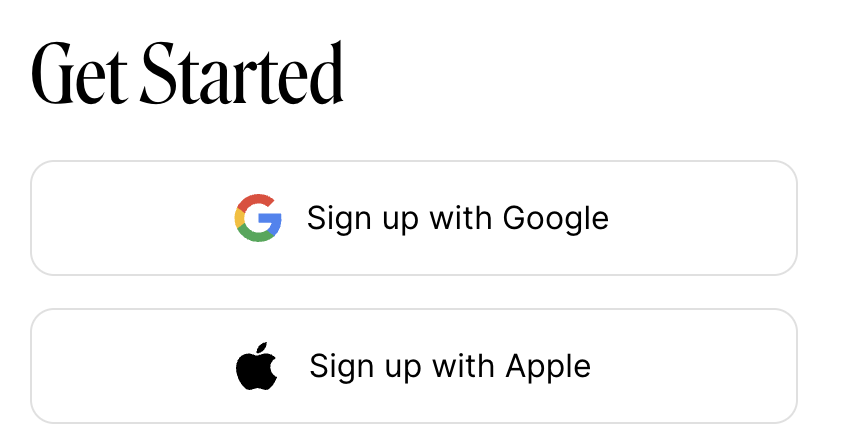
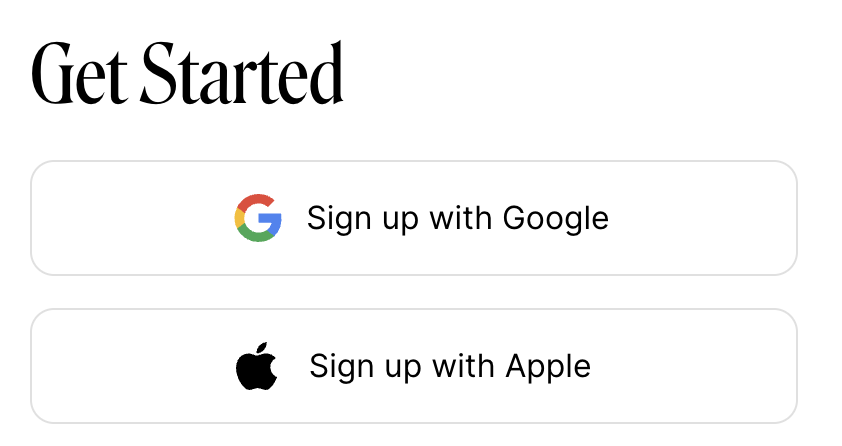
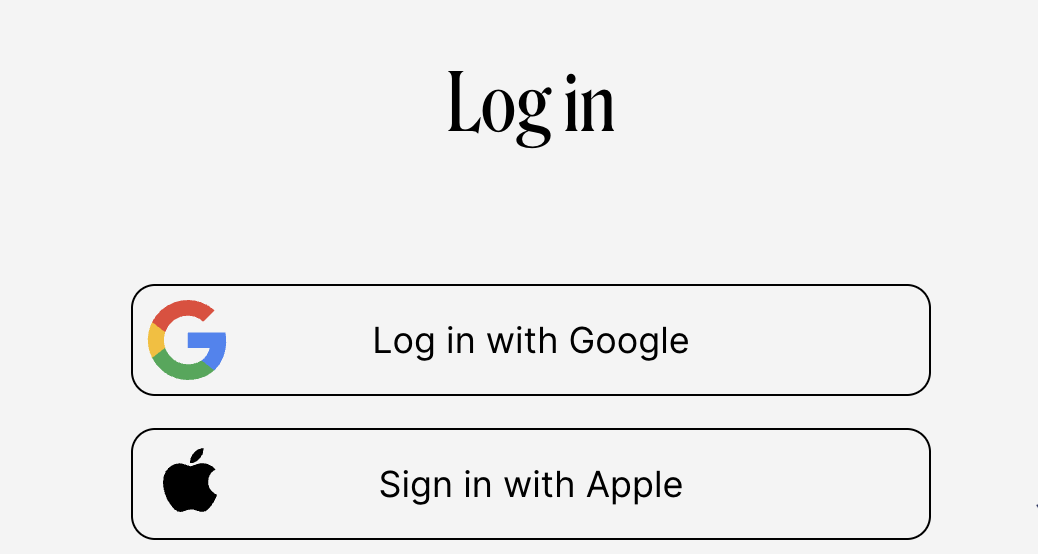
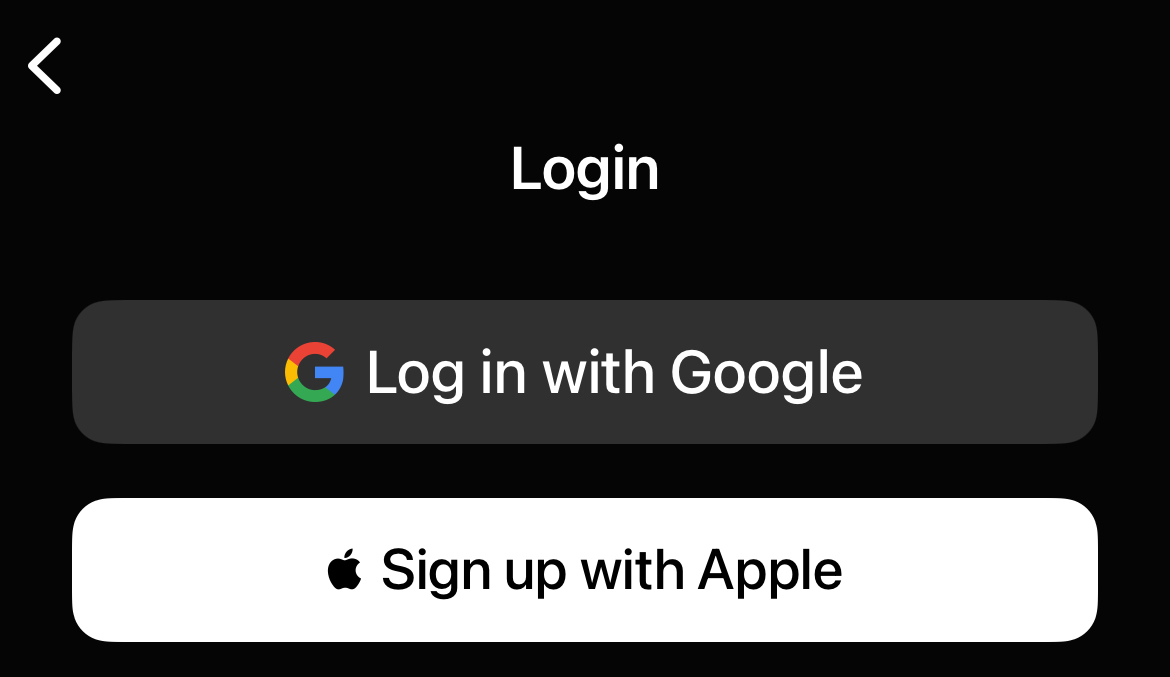
We've also added the option to sign in to Whereby with other services you may use such as Google or Apple. This allows users to bypass the login code, while still retaining the security benefits of not having passwords tied to your Whereby account. To use this, simply tap or click on the option you'd like to use, and log in with those credentials when prompted!
iOS
One-Time Code
Instead of offering a traditional username + password login, we use a secure, one-time login code when you need to get access to your account. This is more secure because it means that to access your Whereby account, you also have to have access to your email. It also means one less username and password to remember!
Open up the app and tap on either the Log in or Sign up options at the bottom of the screen
Enter the relevant details depending on if you're logging in or signing up, and then tap Set name or Get login code
Sign up/Log in with other services
We've also added the option to sign in to Whereby with other services you may use, such as Google or Apple. This allows users to bypass the login code, while still retaining the security benefits of not having passwords tied to your Whereby account. To use this, simply tap or click on the option you'd like to use, and log in with those credentials when prompted!
Android
One-Time Code/Magic Link
Instead of offering a traditional username + password login, we use a secure, one-time login code when you need to get access to your account. This is more secure because it means that to access your Whereby account, you also have to have access to your email. It also means one less username and password to remember!
Start by opening Chrome on your phone, and going to https://whereby.com, tap on the three lines in the top right corner, and select Login or Try for Free.
From there, enter your email address, and click the Get started or Login button.
After you do this, we'll send an email to the email address you entered, which contains a magic link you can use to confirm your account! If you prefer a login code though, you'll also see an option to use that. Note that the code is only valid for 15 minutes from the time you requested it, so it should be used as soon as you get it.
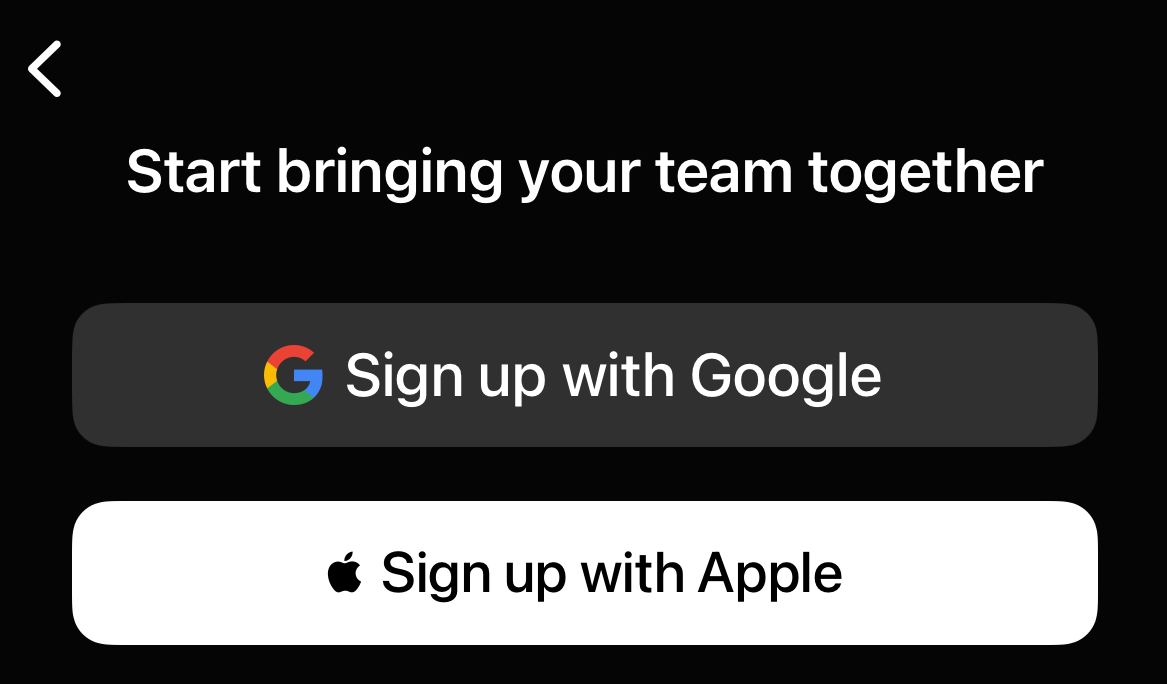
Sign up/Log in with other services
We've also added the option to sign in to Whereby with other services you may use such as Google or Apple. This allows users to bypass the login code, while still retaining the security benefits of not having passwords tied to your Whereby account. To use this, simply tap or click on the option you'd like to use, and log in with those credentials when prompted!